
Some links in this article are tracked. GamerigPro may earn a commission if you take an eligible action through them. This does not change your cost or our editorial judgment.
A patient, social strategy game built for long-term Star Trek fans.
- Strong Star Trek fantasy
- Alliance play matters
- Cross-platform progression
- Progress can feel slow
- Menus and systems take time to learn
Star Trek Fleet Command suits players who enjoy long-term goals, familiar crews and a shared galaxy that keeps moving between sessions. Try Star Trek Fleet Command on PC before committing to its slower progression loop. It is closer to a persistent online strategy routine than a traditional story campaign, and that distinction decides whether the game feels absorbing or slow.
The fantasy starts with your own station
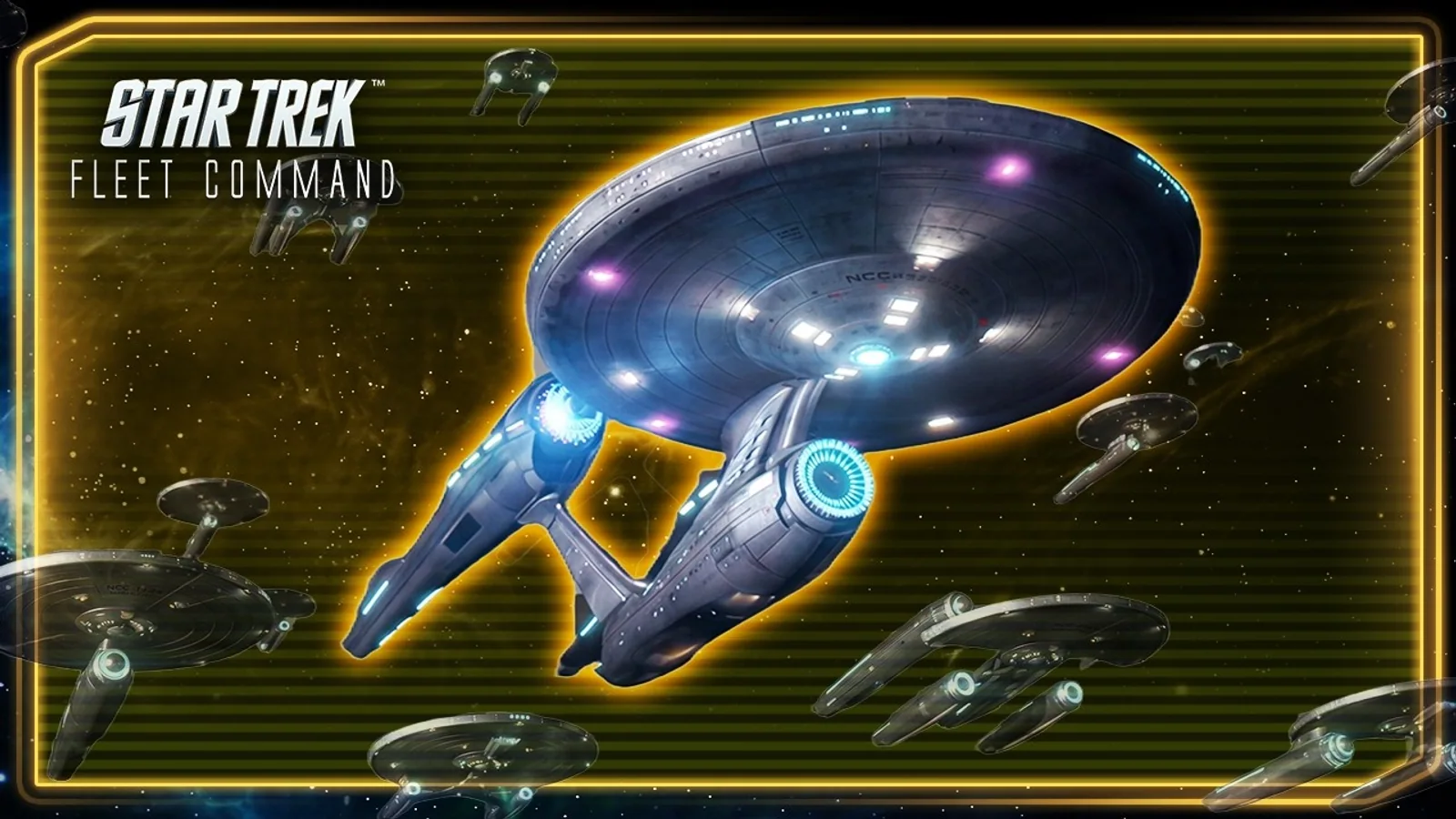
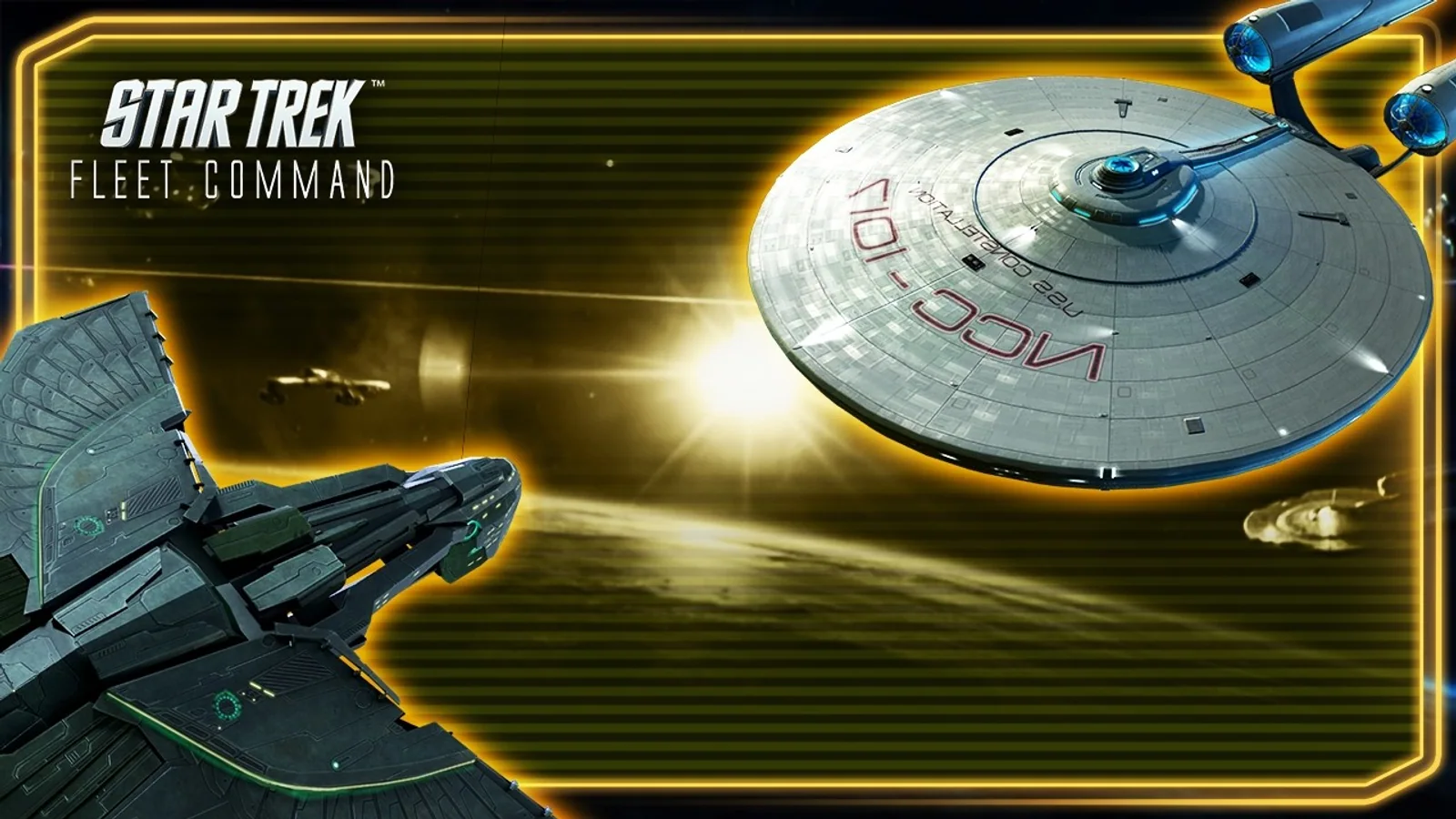
Missions introduce factions, officers and ship upgrades while your base supports expansion. Familiar names and ships create an immediate Star Trek connection, but the stronger fantasy comes from directing your own station and choosing which part of the galaxy deserves attention next.
Build your first fleet around one clear task instead of upgrading every ship equally. A dependable combat ship, sensible officers and a station upgrade plan create more progress than spreading materials across every option that opens.
The galaxy map creates constant choices
Explore the galaxy map to find resources, missions and hostile targets. The large PC display makes routes, system levels and timers easier to compare. It also helps when several ships are gathering, fighting or returning at the same time.
The map remains active beyond your personal mission list. Other players occupy space, alliance activity changes priorities and timed events can redirect a session. That persistence gives the galaxy energy, though it also means the game rarely feels fully paused.
Alliances change the experience
Solo progress is possible, but events and shared objectives become clearer when you join an active alliance. A helpful group reduces the guesswork around upgrades, explains unfamiliar systems and gives routine tasks a social purpose.
Alliance quality matters more than simply joining the largest available name. Look for players active in your time zone, clear communication and expectations that match the amount of time you want to spend. A good group makes slower progression easier to enjoy.
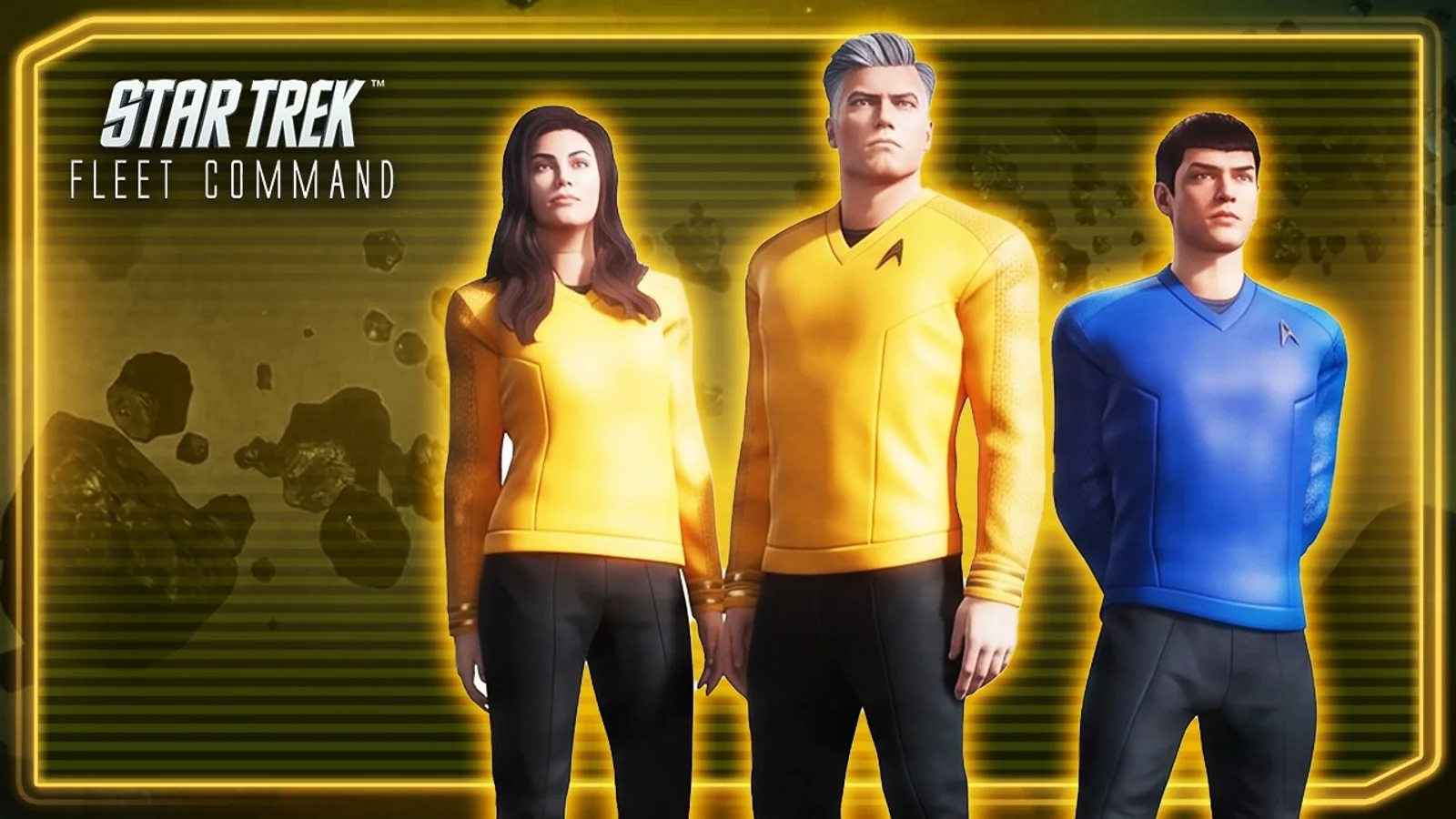
For the Windows route discussed here, open the Star Trek Fleet Command PC offer when you are ready to install or return to the game. Check the platform and account options at the destination first.
Build a fleet, follow the missions and decide whether the long-term strategy loop fits you.
Progress is deliberately gradual
Construction timers and resource demands make this a patient game. It works best as a regular strategy routine rather than a campaign you finish quickly. The loop often asks you to collect, wait, upgrade and return later with a stronger fleet.
That rhythm can be relaxing when you enjoy long goals. It can become frustrating if every timer feels like a barrier. The game also presents purchases and acceleration options, so a free player benefits from planning one objective at a time instead of chasing every event.
Combat is about preparation
Ship strength matters, but officers, enemy type and the chosen activity shape the result. Combat is not a manual action system where quick reflexes rescue a poor matchup. The useful decisions happen before launch: selecting a suitable crew, sending the right ship and choosing a target worth the repair cost.
The same structure supports collectors and theory crafters. It offers less for players who want direct piloting or tactical control during every exchange.
The PC client improves readability
The Windows version gives the galaxy and fleet panels more space. It is easier to watch several timers, read alliance chat and compare tasks without covering the map. Our Star Trek Fleet Command setup guide covers account checks, display choices and performance testing before a long session.
Who should play it?
Play it if you enjoy Star Trek, persistent online worlds, alliance coordination and account building over months. Approach it carefully if timers, repeated resource runs or competitive pressure quickly become chores. The opening sessions are enough to reveal the basic rhythm, so use them to judge the loop before making a larger commitment.
How friendly is the free experience?
You can learn the galaxy, build early ships and join an alliance without paying. Progress later becomes a question of time, event participation and resource discipline. Paid options can accelerate parts of the loop, which means a free player should choose goals carefully and avoid comparing every timer with the fastest accounts on the server.
The best free routine is short and specific. Start an upgrade, send ships to useful tasks, complete an event objective that fits the current account and leave with the next timer running. Trying to finish every available activity can turn the game into a schedule instead of entertainment.
What we would improve
New commanders face many currencies, menus and upgrade paths before they understand which choices have lasting value. A cleaner explanation of progression priorities would make the opening less dependent on alliance advice. Faster movement through routine interface steps would also help long sessions.
The game still succeeds at creating a galaxy that feels inhabited. Its patient design is intentional, but clearer early guidance would help more Star Trek fans reach the satisfying fleet planning underneath it.
The verdict
Start your command on Windows if you like Star Trek, alliance coordination and persistent progression. The license, social galaxy and fleet planning give it a clear identity. Slow progress and layered menus limit the recommendation. Our 7.5 score fits a solid long-term strategy game for the right kind of commander.
Official reference: Star Trek Fleet Command official site.
See it in motion
An official video gives you a clearer look at the world, combat and pace.
Build a fleet, follow the missions and decide whether the long-term strategy loop fits you.