
Quick answer: Build a coherent first squad, understand quick assists and make every switch serve a purpose.
Some links in this article are tracked. GamerigPro may earn a commission if you take an eligible action through them. This does not change your cost or our editorial judgment.
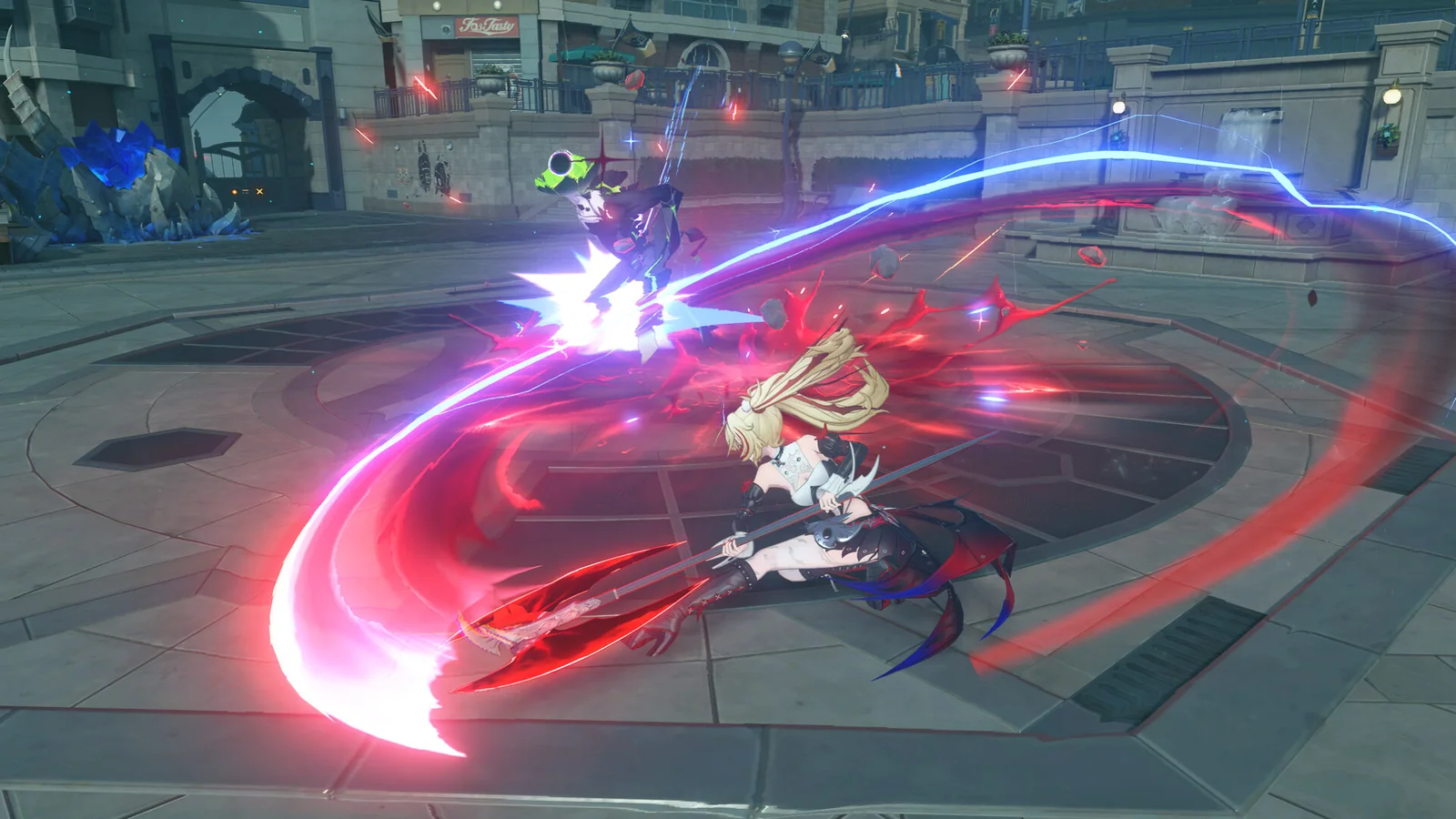
Zenless Zone Zero rewards rhythm more than button speed. The cleanest early teams create pressure, open a stun window and then send their strongest damage into that window.
Give every Agent a clear job
Start with three compatible jobs: one Agent who builds Daze, one who delivers most of the damage and one who supports the rotation. The exact labels can vary with your roster, but the principle stays the same. Each switch should either prepare the target or exploit an opening.
Do not build three Agents who all need long periods on the field. A team feels smoother when one Agent can apply a buff, debuff or attribute effect and leave quickly.
Treat assists as part of the rotation
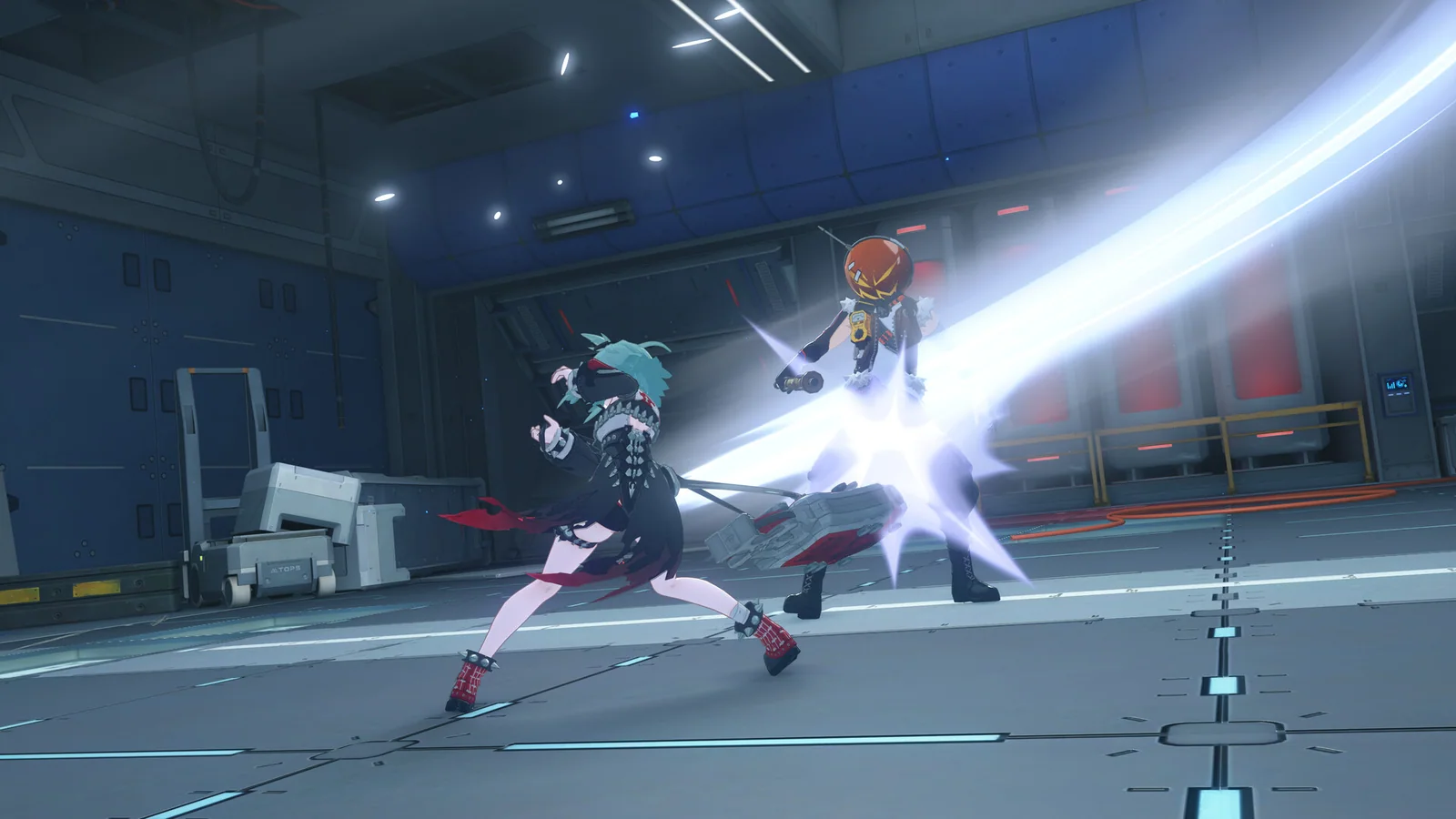
Enemy signals are invitations to defend deliberately. A well-timed defensive assist can protect your health and keep pressure on the target. Evasive assists suit attacks or matchups where a direct defensive response is less practical.
Practice against a familiar enemy until the signal, switch timing and follow-up feel connected. Random switching makes the screen busy without improving the result.
Build toward the stun window
Use your stun-focused Agent to raise Daze, then trigger the available chain sequence and move into your main damage pattern. Save important burst resources when a normal enemy is already close to defeat. Stronger encounters reward arriving at the next stun window with the right skills ready.
For the Windows route discussed here, open the Zenless Zone Zero PC offer when you are ready to install or return to the game. Check the platform and account options at the destination first.
Install the Windows version, learn one clean rotation and improve it as your roster grows.
Upgrade one functioning squad
Level the Agents, W-Engines and core skills that support your first rotation. Upgrade materials disappear quickly when divided between too many experiments. A stable team that clears routine content gives you a better base for testing the next Agent.
Match the team instead of chasing rarity
Check each Agent's additional ability and the condition that activates it. Shared factions, attributes or compatible roles can make a modest roster work smoothly. A high rarity Agent is less useful when the rest of the squad cannot support the way that Agent deals damage.
Build around the strongest complete interaction you already own. Then save resources until a new Agent fills a real gap, such as faster Daze, stronger support or better damage for a specific attribute.
Practice with a fixed test sequence
Choose one familiar encounter. Begin with the same Agent, build Daze, trigger the assist sequence and use the same damage window. Repeating that order makes weak links visible. You can see whether energy arrives late, a buff ends too early or the stun window is being wasted.
If the screen becomes difficult to read, our Zenless Zone Zero PC settings guide prioritizes combat clarity and stable frame pacing.
Spend battery charge deliberately
Use daily energy on the materials that unlock the next clear improvement. Character levels, W-Engines, skills and drive discs all compete for attention. Finish the upgrade with the largest immediate effect before starting another project.
Drive disc optimization becomes more valuable after the basic character and skill levels are secure. Early progress should come from dependable upgrades rather than chasing perfect random stats.
Read the result after every fight
If the team survives but takes too long, improve the main damage window or the support effects that prepare it. If an Agent is interrupted constantly, review positioning and assist timing before adding more attack. If Daze builds slowly, give the stun role more field time or stronger relevant upgrades.
One clear adjustment followed by the same encounter creates useful evidence. Changing the team, equipment and rotation together makes it difficult to know what actually helped.
Once the sequence feels dependable, test it against a faster enemy and a group. Keep the same roles while changing timing. That proves the team works beyond one rehearsed target.
First-session checklist
- Learn which Agent should begin the encounter.
- Identify the Agent who builds Daze most efficiently.
- Decide which buffs or effects must be active before your damage window.
- Practice defensive and evasive assists separately.
- Keep one reliable squad current before expanding the roster.
Zenless Zone Zero is an urban fantasy action RPG built around exploring Hollows with a roster of Agents. Your first objective is not a perfect tier-list team. It is a rotation you can explain and repeat.
Official reference: Zenless Zone Zero on Steam.
See it in motion
An official video gives you a clearer look at the world, combat and pace.
Install the Windows version, learn one clean rotation and improve it as your roster grows.