

GAMERIGPRO
News / Neverness to Everness

NTE on Steam, Epic and the standalone client: what PC players should check

The store page and client you choose can affect installation, updates and account access. Check the official path before downloading.

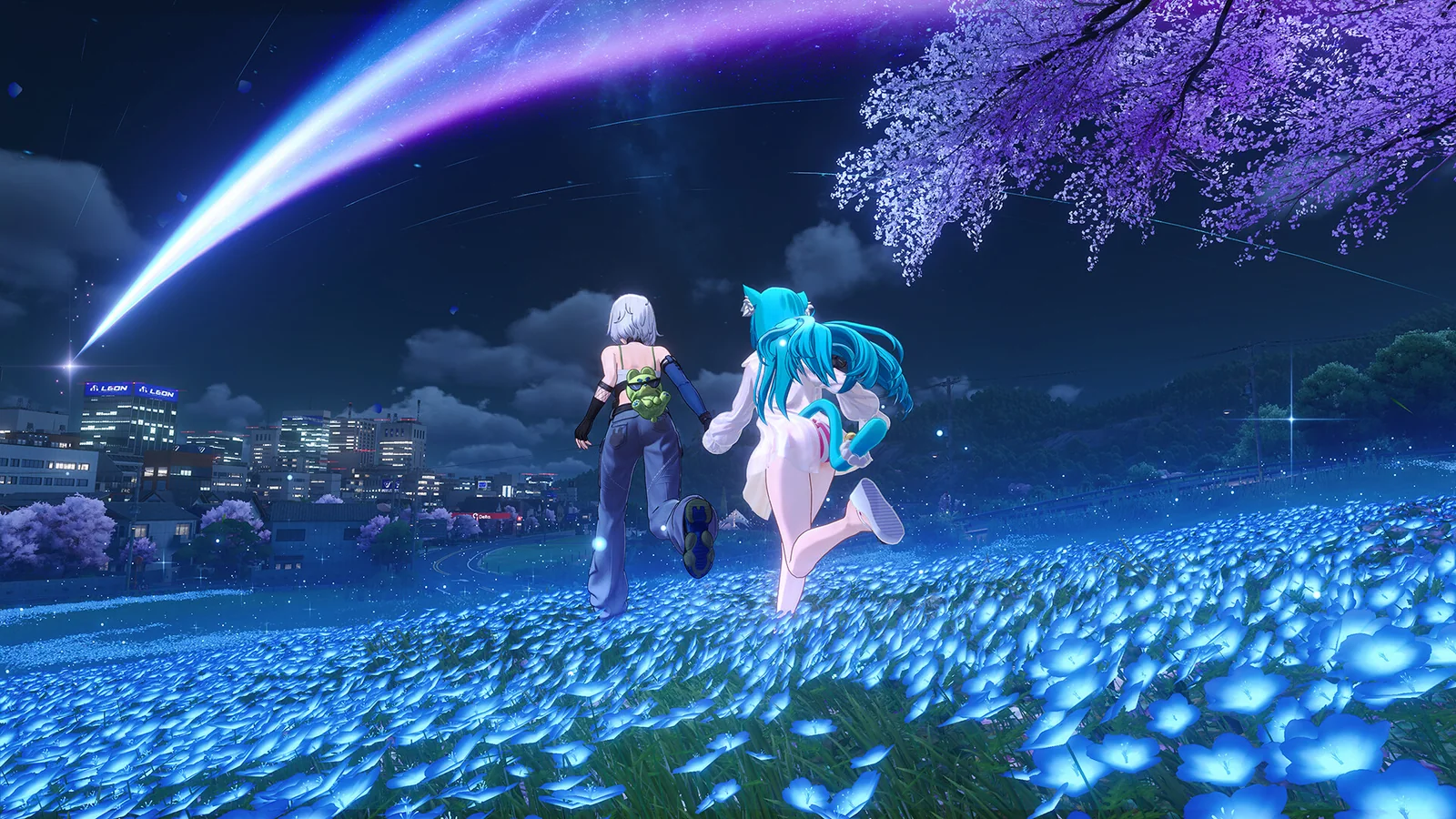
Neverness to Everness characters overlooking the neon city of Hethereau at night

Official Neverness to Everness promotional artwork from Hotta Studio and Perfect World Games.

PlatformWindows PC
PriceFree to start
FormatOfficial PC client

Quick answer: The store page and client you choose can affect installation, updates and account access. Check the official path before downloading.

PC versionChoose the right NTE client.

Use the official Windows path that matches your account and region before downloading the full client.

Play on PC

NTE is available through several PC paths, but the correct login matters more than the store icon. Play Neverness to Everness on PC only after confirming your existing account, login method and server. A wrong choice can look like lost progress when the game has actually opened a separate profile.

Steam supports shared progress

The official FAQ says Steam supports email, Facebook and Google login. Choose the Windows client that lets you use the same login method as your current account. Record the provider used on the original device before signing out.

Steam is convenient for players who already manage their PC library there. Its value is organization and familiar updates, not a different version of Hethereau.

Epic follows the same version schedule

Epic receives the latest game version and supports cross-platform data sharing through compatible account methods. Start in Hethereau after checking the selected server. Choose it when Epic already fits the way you manage downloads and accounts.

The standalone client remains useful for players who prefer going through the publisher directly. In every case, the account and region deserve more attention than the launcher brand.

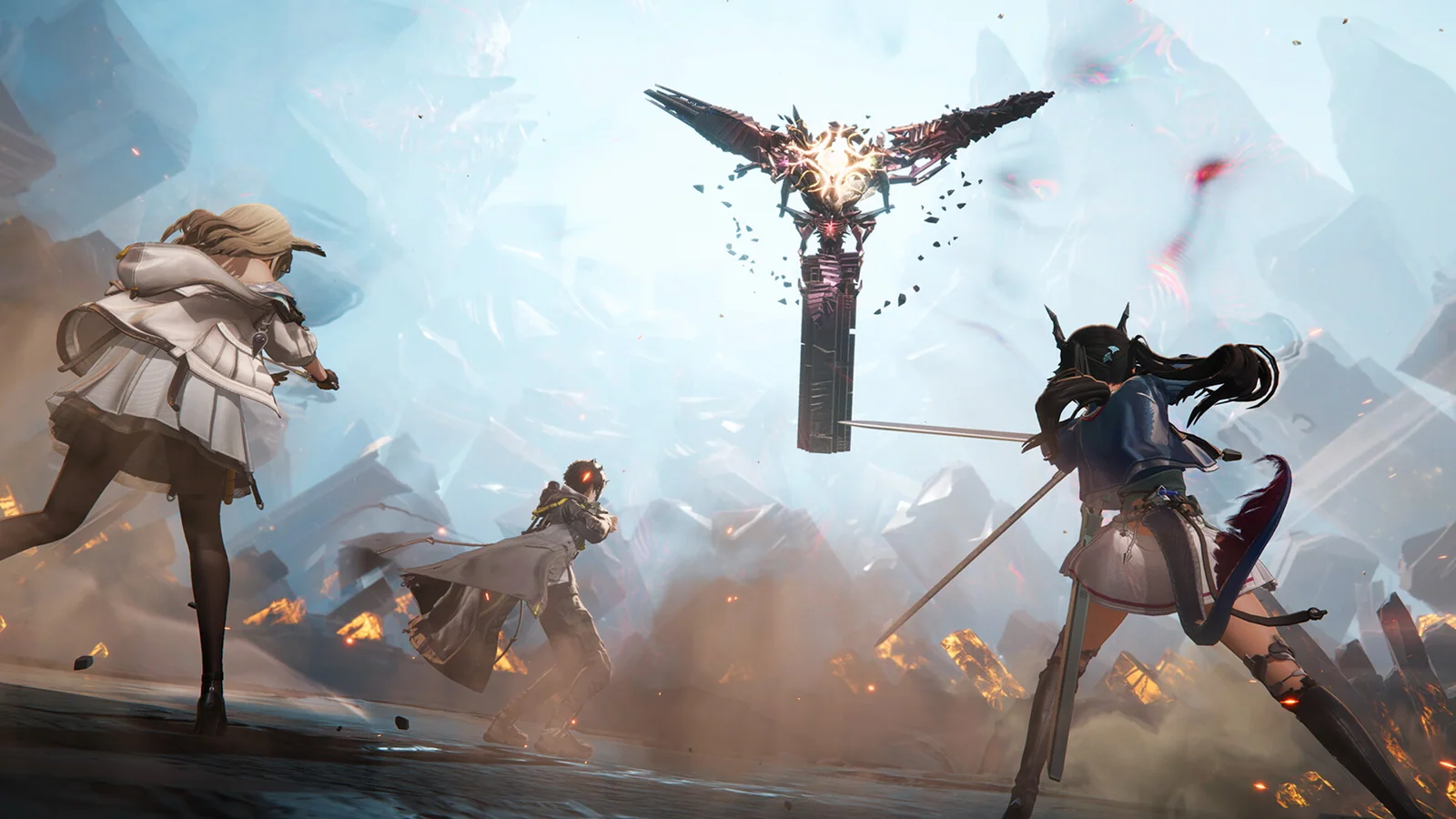
Hethereau city centre at night in Neverness to Everness
Official Steam screenshot from Hotta Studio and Perfect World Games.
Watch the game

See it in motion

An official video gives you a clearer look at the world, combat and pace.

Third-party logins can create separate accounts

Accounts made with different third party login methods do not automatically share data. Keep your account on the right platform by recording the original login method before reinstalling. Email, Google and Facebook buttons can lead to separate account identities even when they belong to the same person.

Servers are also independent. Progress on America does not move to Europe or SEA. Pick the closest suitable server for a responsive connection, then verify it every time a new client asks for a region.
Storage still matters

The current launch FAQ lists 60 GB for the installed game and another 60 GB temporarily during extraction. Download the PC version to an SSD with roughly 120 GB free before installation. Our NTE PC requirements guide covers the official hardware baseline, repair tool and performance test.

Delete an old beta client before installing the launch version. The publisher says beta files should not be updated directly. A clean official installation reduces verification and version conflicts.

The safest next step

Use the same account, region and server you already used. Confirm the character and progress before completing new tasks. If anything looks unfamiliar, stop before creating a new profile and return to the login screen.

Official reference: NTE launch FAQ.

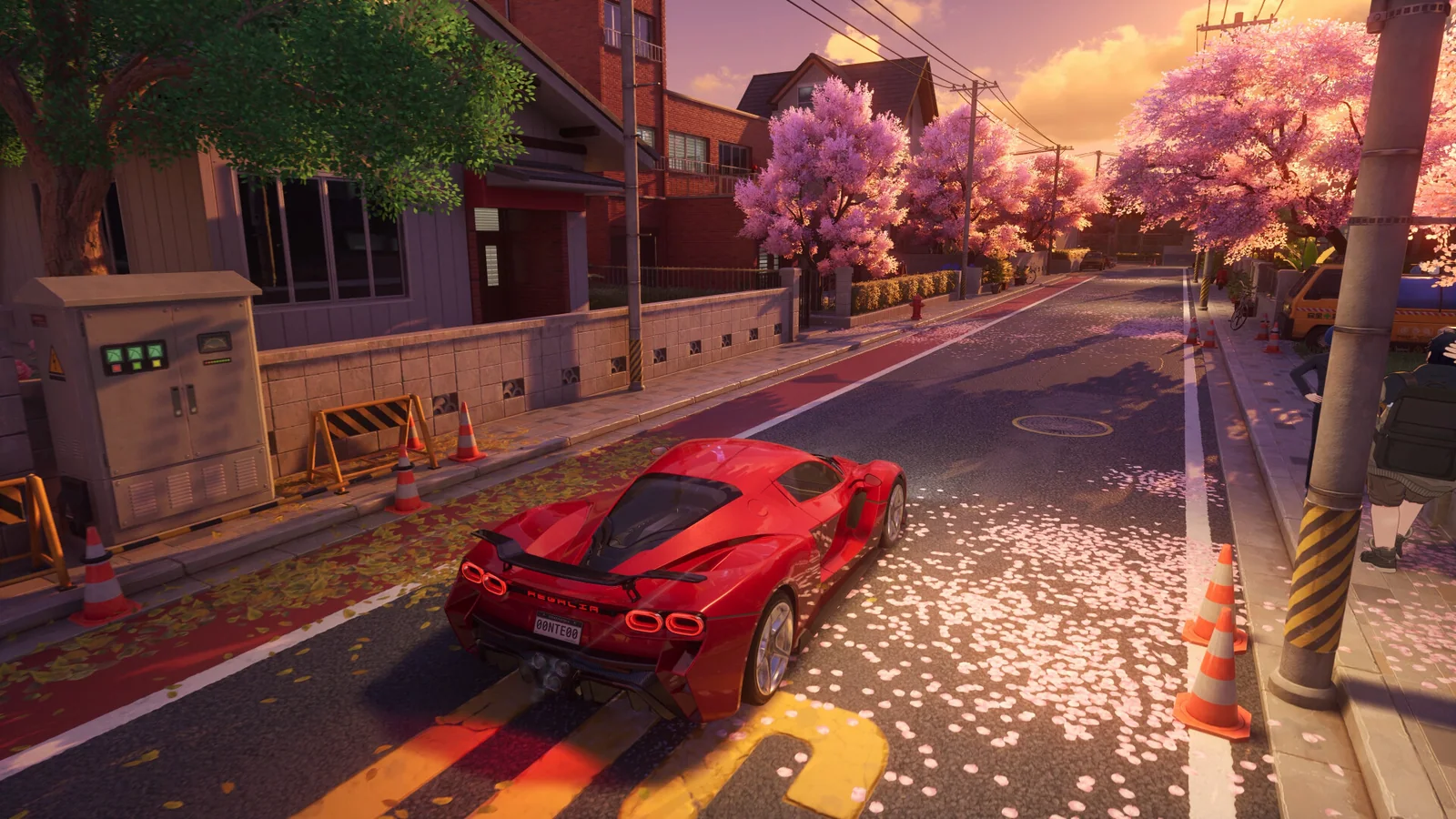
A red sports car driving through Hethereau in Neverness to Everness
Official Steam screenshot from Hotta Studio and Perfect World Games.
Ready to playChoose the right NTE client.

Use the official Windows path that matches your account and region before downloading the full client.

Play on PC
THE WEEKLY DROP

Sharper guides.
Zero noise.

One useful GamerigPro email when there is something worth playing, tuning or knowing.

Confirm your email before joining. Unsubscribe at any time.

Search all GamerigPro articles

News / Gaming industryWhy the future of physical games extends beyond PlayStation and XboxGuides / Neverness to EvernessIs Neverness to Everness worth playing on PC?News / Grand Theft Auto VIGTA 6 on PC: release status, confirmed platforms and what to knowNews / Zenless Zone ZeroZenless Zone Zero version 3.2 is live: what PC players should knowGuides / Zenless Zone ZeroZenless Zone Zero beginner guide to teams, assists and combat flowGuides / Arknights: EndfieldArknights: Endfield beginner guide to squad combat and factory buildingGuides / Rise of KingdomsRise of Kingdoms beginner guide for your first seven days on PCGuides / Genshin ImpactGenshin Impact beginner guide to elemental reactions and your first teamGuides / Ragnarok: The New WorldRagnarok: The New World beginner guide to your first classGuides / RAID: Shadow LegendsRAID: Shadow Legends beginner guide to your starter and first teamReviews / Crimson DesertIs Crimson Desert worth playing on PC in 2026?Reviews / Cyberpunk 2077Is Cyberpunk 2077 worth playing on PC in 2026?Reviews / Zenless Zone ZeroIs Zenless Zone Zero worth playing on PC in 2026?Reviews / Arknights: EndfieldIs Arknights: Endfield worth playing on PC?Reviews / Star Trek Fleet CommandIs Star Trek Fleet Command worth playing on PC?Reviews / RAID: Shadow LegendsIs RAID: Shadow Legends worth playing on PC in 2026?News / Arknights: EndfieldArknights: Endfield Dreamscape of Wind and Snow update explainedNews / Neverness to EvernessNTE on Steam, Epic and the standalone client: what PC players should checkGuides / PC gamingBest free PC games worth playing in 2026Setup / Neverness to EvernessNeverness to Everness PC requirements and settings to check firstSetup / Zenless Zone ZeroZenless Zone Zero best PC settings for smoother combatSetup / Genshin ImpactGenshin Impact settings for a low-end PC without muddy visualsSetup / Rise of KingdomsHow to install Rise of Kingdoms on PC and keep it running smoothlySetup / Star Trek Fleet CommandStar Trek Fleet Command on PC: installation, controls and performancePerformance / PC gaming1080p vs 1440p vs 4K: choosing a resolution for PC gamingPerformance / PC gamingDLSS, FSR and XeSS explained for PC gaming performancePerformance / PC gamingWhy PC games stutter: frame time, VRAM and shader compilation