
Quick answer: Compare early class roles, learn a simple progression loop and avoid spreading resources too widely.
Some links in this article are tracked. GamerigPro may earn a commission if you take an eligible action through them. This does not change your cost or our editorial judgment.
Your first class in Ragnarok: The New World shapes how you move through quests, groups and early combat. The safest choice is the playstyle you can use consistently, not the class that looks strongest in an isolated ranking.
Choose by the job you enjoy
Start with three questions. Do you prefer close combat or range? Do you want direct damage, team support or durability? Are you comfortable managing positioning and resources during every fight?
A straightforward damage class can make solo quests faster. A durable class gives you more room to learn unfamiliar enemies. Support-focused choices become valuable in groups but may require a different solo routine. Read the current in-game class descriptions because balance and available jobs can change.
Follow the main progression route
Complete the introduction and job-related quests before committing to long grinding sessions. Main objectives usually open systems that improve the value of later farming. Keep nearby side quests together so travel time does not overwhelm the reward.
Spend points for one working build
Invest stats and skills toward the attacks you actually use. Mixing several unfinished ideas can leave the character weak in every situation. Keep a note of your intended role and check whether each upgrade improves damage, survival, resource control or group utility.
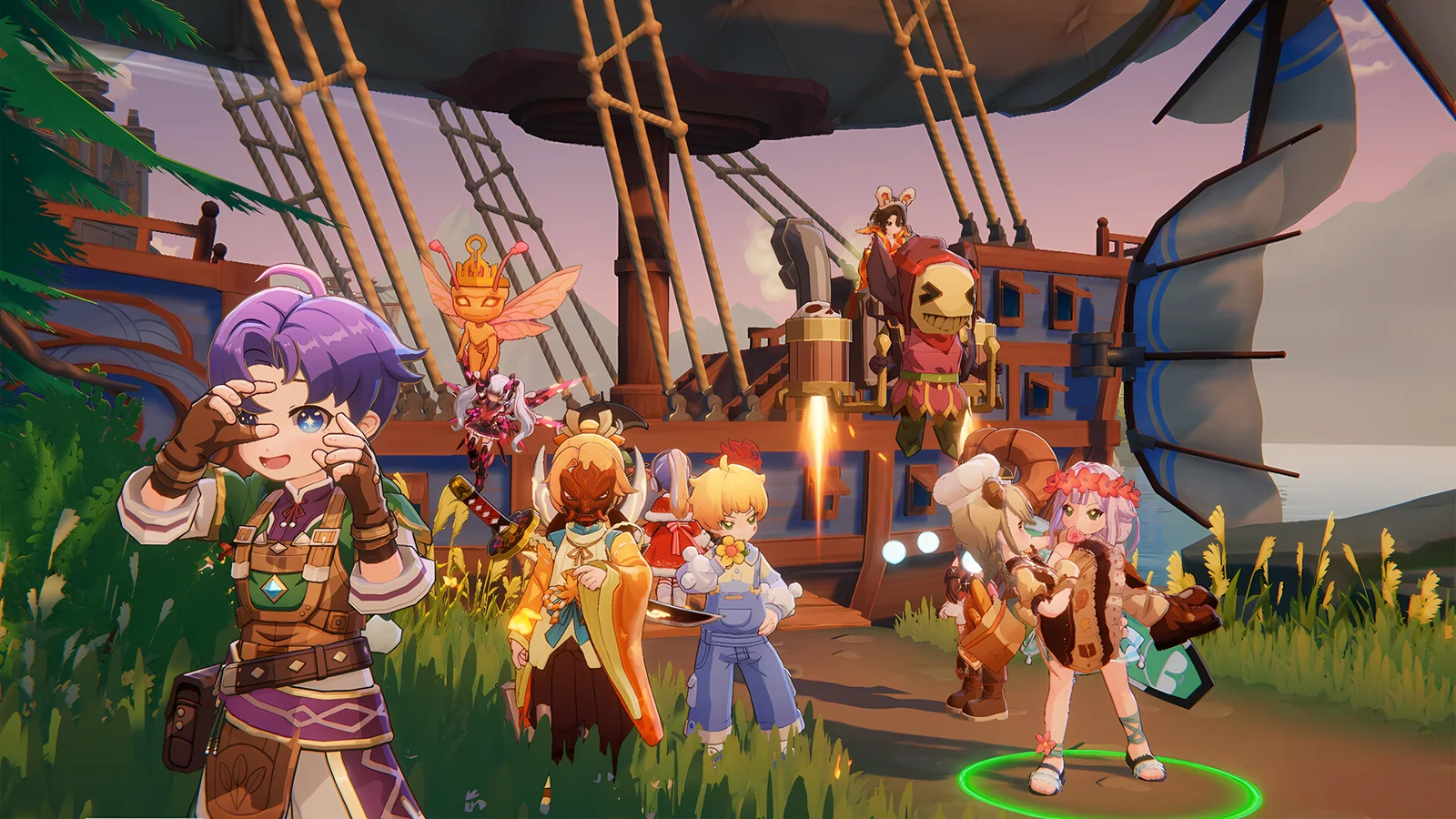
For the Windows route discussed here, open the Ragnarok: The New World PC offer when you are ready to install or return to the game. Check the platform and account options at the destination first.
Start on Windows, learn one class and build around the way you enjoy playing.
Treat equipment as part of the build
Compare useful stats and upgrade cost, not only the largest visible number. Avoid spending rare materials on gear you will replace immediately. Keep situational pieces when they solve a specific enemy or defensive problem.
Use the community without following it blindly
MMORPG knowledge changes as players test systems and updates arrive. Use current class discussions to understand tradeoffs, then confirm important details inside the game. A popular endgame build may depend on equipment that a new account cannot access.
First-session checklist
- Pick a class from preferred range, role and complexity.
- Finish the introduction and class quests first.
- Build around one reliable damage pattern.
- Save rare upgrade materials for gear with a clear future.
- Join a helpful group when party content becomes relevant.
Build a repeatable combat routine
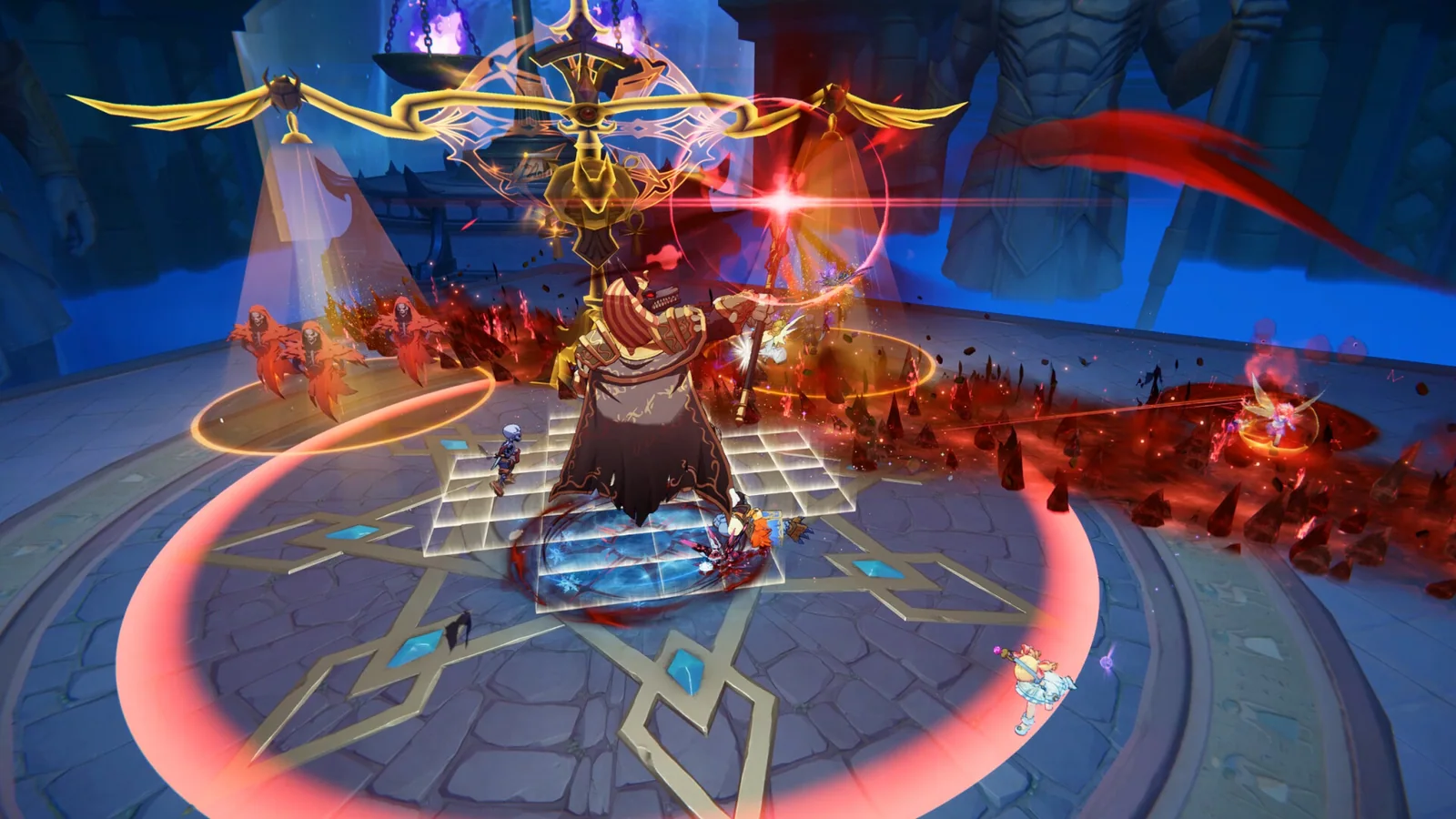
Choose one main damage skill, one tool for control or survival and one response for groups. Practice that small sequence against familiar enemies before adding more abilities. A simple routine exposes whether the problem comes from positioning, resource use or weak equipment.
If the character spends too much time recovering between fights, improve sustain or defensive choices before chasing more damage. If enemies survive comfortably while you remain safe, strengthen the main attack and the stats that support it.

Know when to join a party
Party content becomes easier when you can describe your role clearly. Damage players should know the target priority. Durable characters should understand which enemies need attention. Support players should watch team health and the timing of important effects.
An active community can also answer class questions that change after balance updates. Ask for the reason behind a recommendation. That makes it easier to adapt the advice to the equipment and skills you actually have.
What to avoid in the first week
Do not rebuild the character every time a ranking changes. Avoid using rare materials on temporary gear, and do not split progress between several unrelated builds. Keep enough currency and upgrade items to respond when the main quest unlocks a clear improvement.
The first week should leave you with a class you understand, one working build and a reliable route into group content. That foundation matters more than copying an endgame setup too early.
Set a useful daily rhythm
Begin with tasks that unlock permanent systems, then complete activities that support the current class. Group nearby objectives and avoid crossing the map for a reward that does not improve the build. Before logging off, prepare the next upgrade and note the material that blocks it.
Use the PC client for longer inventory and build sessions. A larger display makes skill descriptions, equipment comparisons and party information easier to review without rushing a decision.
Keep one screenshot of the working build and update it only after a meaningful improvement. This makes accidental changes easier to spot and gives party members a clear view when you ask for advice.
If you are still choosing your next free PC game, our best free PC games guide compares several different styles of long-term play.
Official reference: Ragnarok: The New World on Steam.
See it in motion
An official video gives you a clearer look at the world, combat and pace.
Start on Windows, learn one class and build around the way you enjoy playing.