
Quick answer: A focused look at the new content, activities and preparation steps PC players should check first.
Some links in this article are tracked. GamerigPro may earn a commission if you take an eligible action through them. This does not change your cost or our editorial judgment.
Dreamscape of Wind and Snow launched after maintenance on September 2, 2026. Return to Arknights: Endfield on PC and check the mandatory client update before planning your next session. The useful first step is to separate limited activities from permanent progression so nothing urgent gets buried under the larger update.
Update the PC client first
The official notice tells PC players to close the game, restart GRYPHLINK and select Update. Update the Windows client on a stable connection because the version requires new game files. Keep enough free space for temporary files and let verification finish before opening the game.
After login, claim available maintenance mail and check whether existing production lines are still running as expected. A client update should not become the moment you rebuild a working factory without a reason.
Factory building is easier to manage
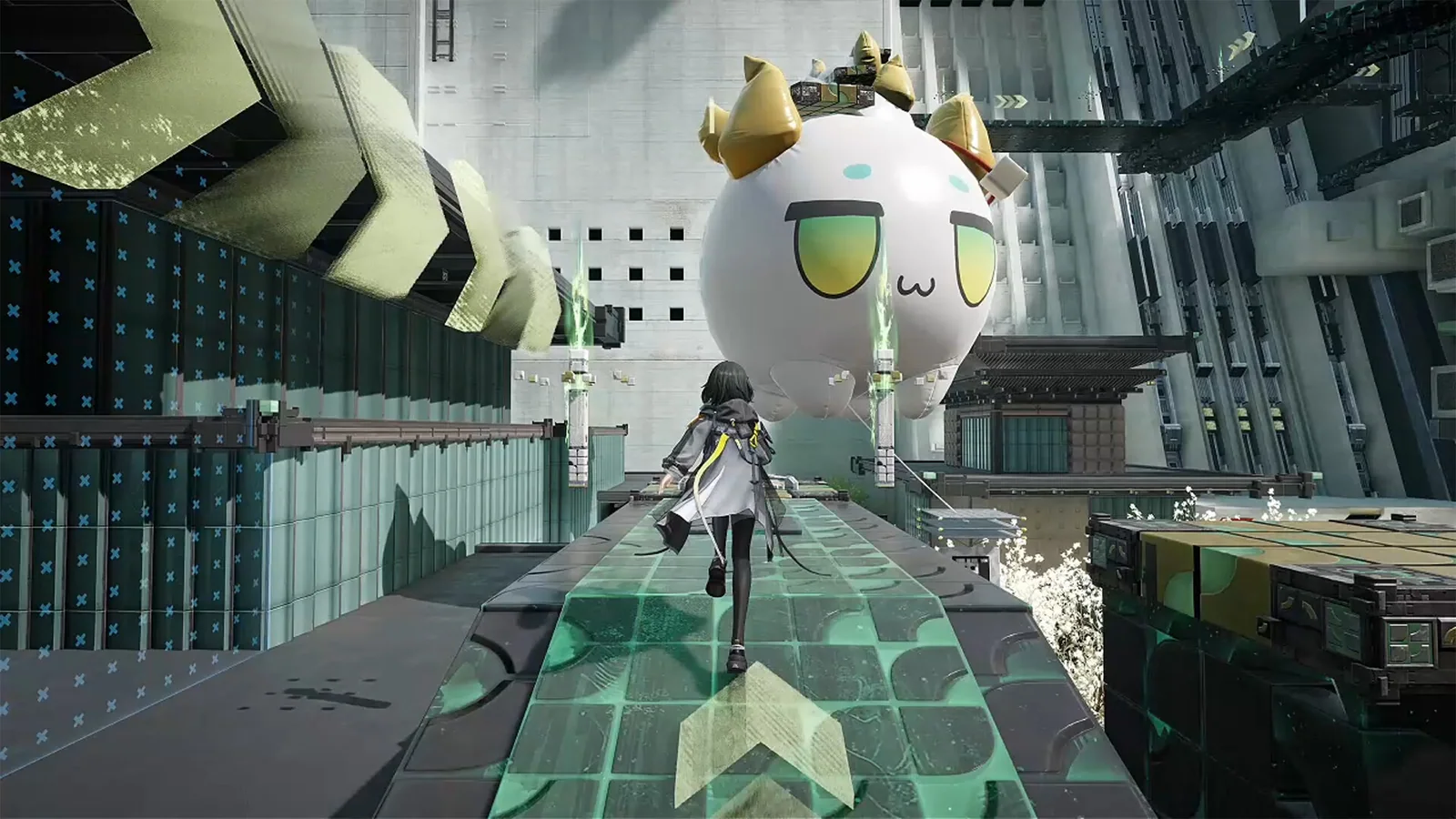
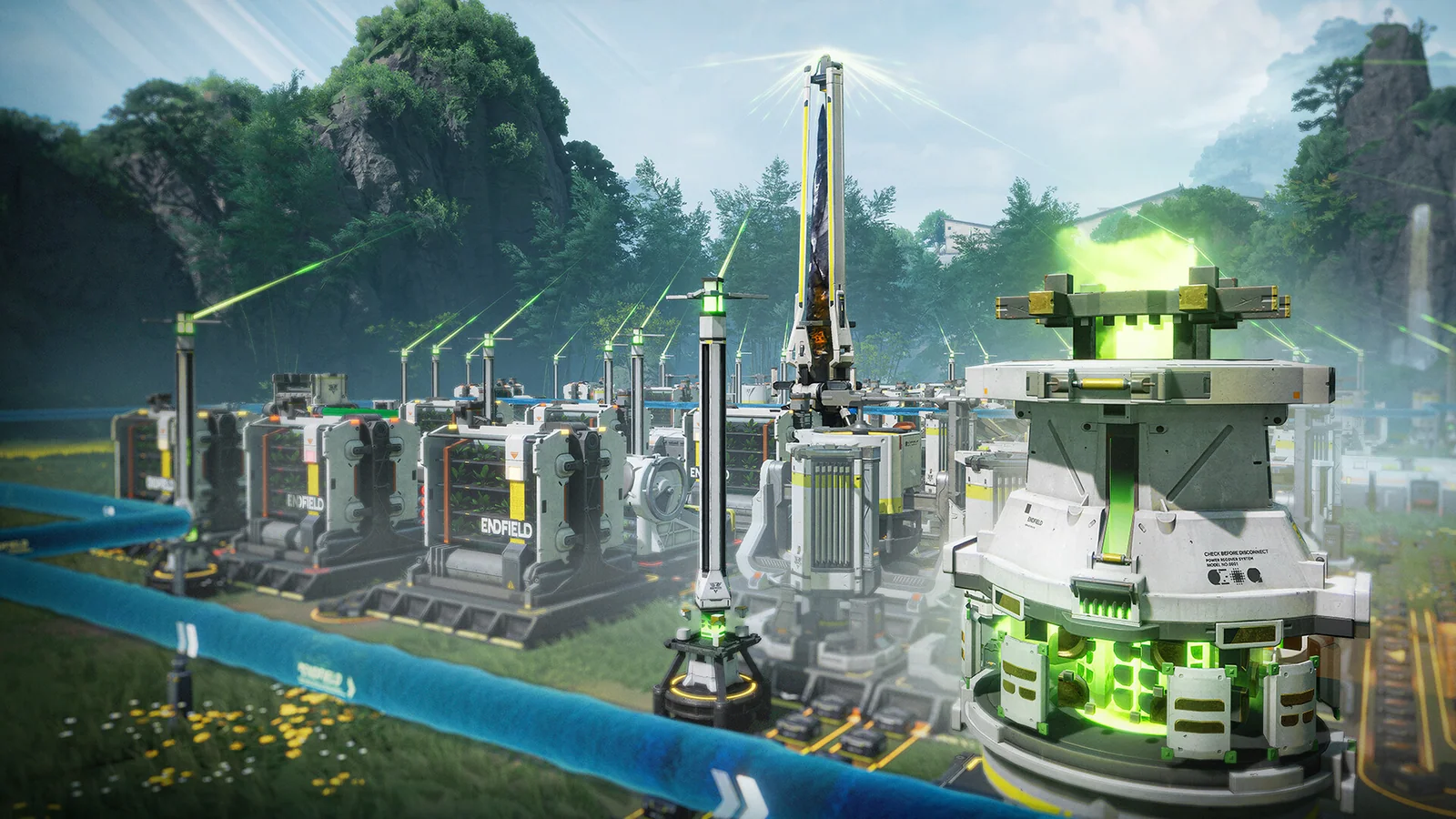
The update adds Continue Placing and clearer feedback for blueprint selection limits. Explore the new update by testing those tools on one working production line before rebuilding a large area. Continue Placing can reduce repeated menu work when extending a familiar layout.
The clearer blueprint feedback should also make large edits easier to understand. Test a small section, watch the input and output, then apply the same pattern elsewhere only after it remains stable.
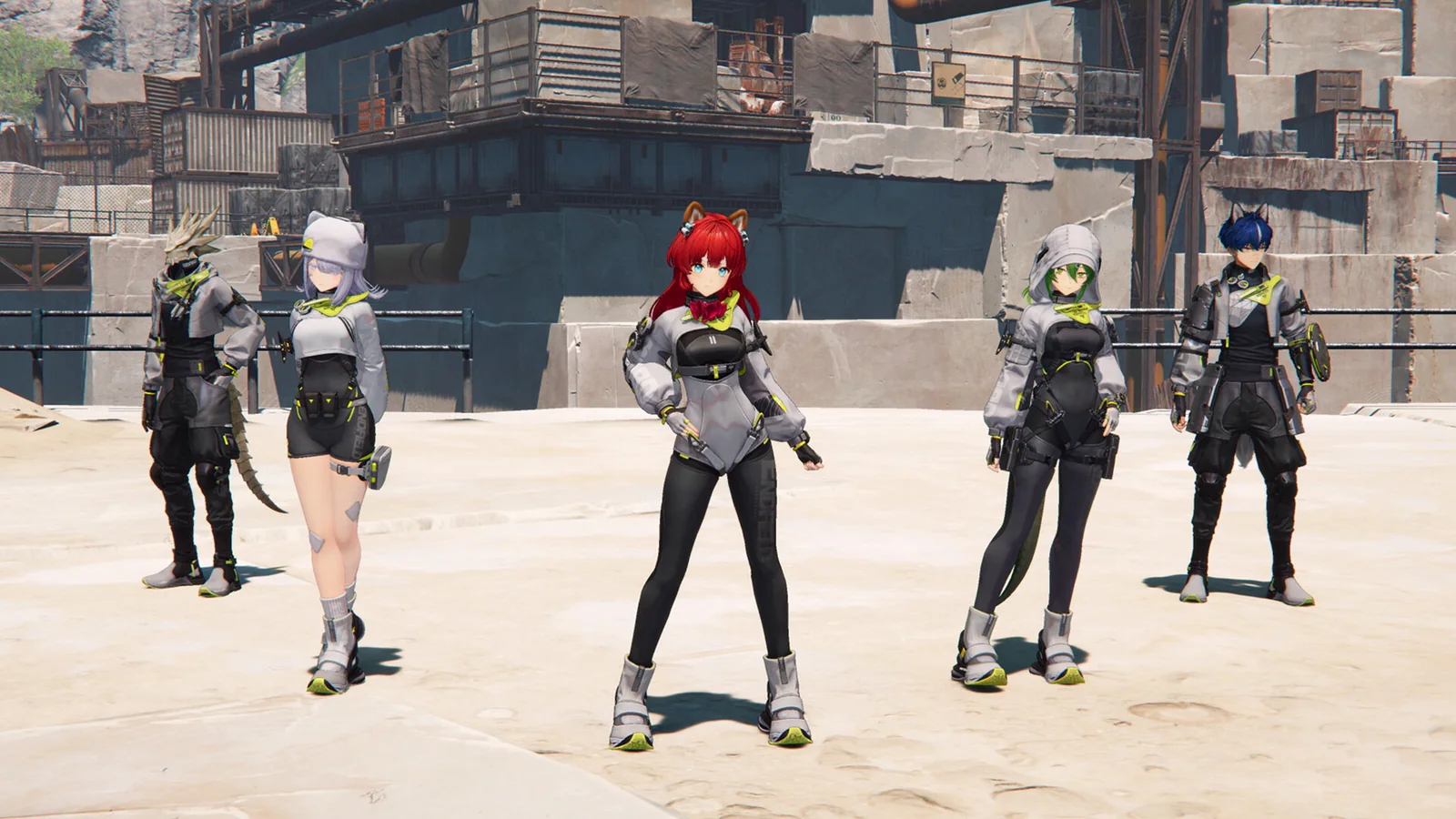
For the Windows route discussed here, open the Arknights: Endfield PC offer when you are ready to install or return to the game. Check the platform and account options at the destination first.
Update the official PC client, review the current activities and decide what to complete first.
Current recruitment has a deadline
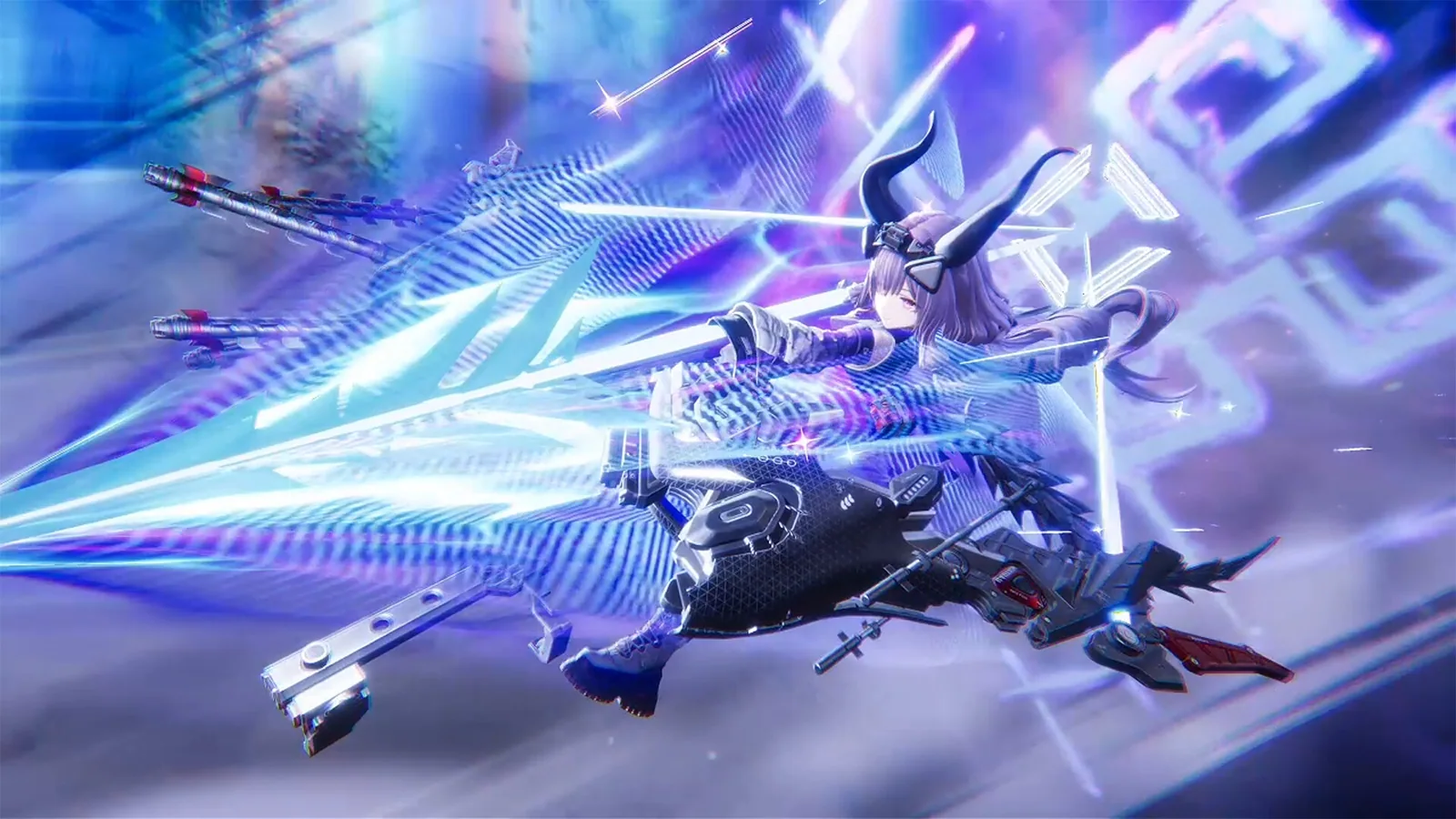
Winter Hunt features Typhoeus and runs through September 30 at 11:59 server time. Test the latest Operators in their trial content before deciding how to use recruitment resources. Check skill descriptions, squad role and upgrade needs against the Operators already built on your account.
A new character is most useful when the squad has a clear gap. Avoid spending from excitement alone if the current team already covers the same job.
Check activities before the permanent story
Open the event menu and check the current activities with the earliest closing dates. Permanent systems can wait when play time is limited. Make a short order for the session: claim mail, update production, complete limited tasks, then continue permanent story progress.
Players returning after a break should review the Endfield beginner guide before changing the active squad or rebuilding production.
What to do next
Claim available mail, verify production lines and continue the new story when you have time for a full session. Test new Operators in controlled content, protect recruitment resources and keep one working factory line as a reference while learning the new tools.
Official sources: version update notes, PC update notice and developer communication.
See it in motion
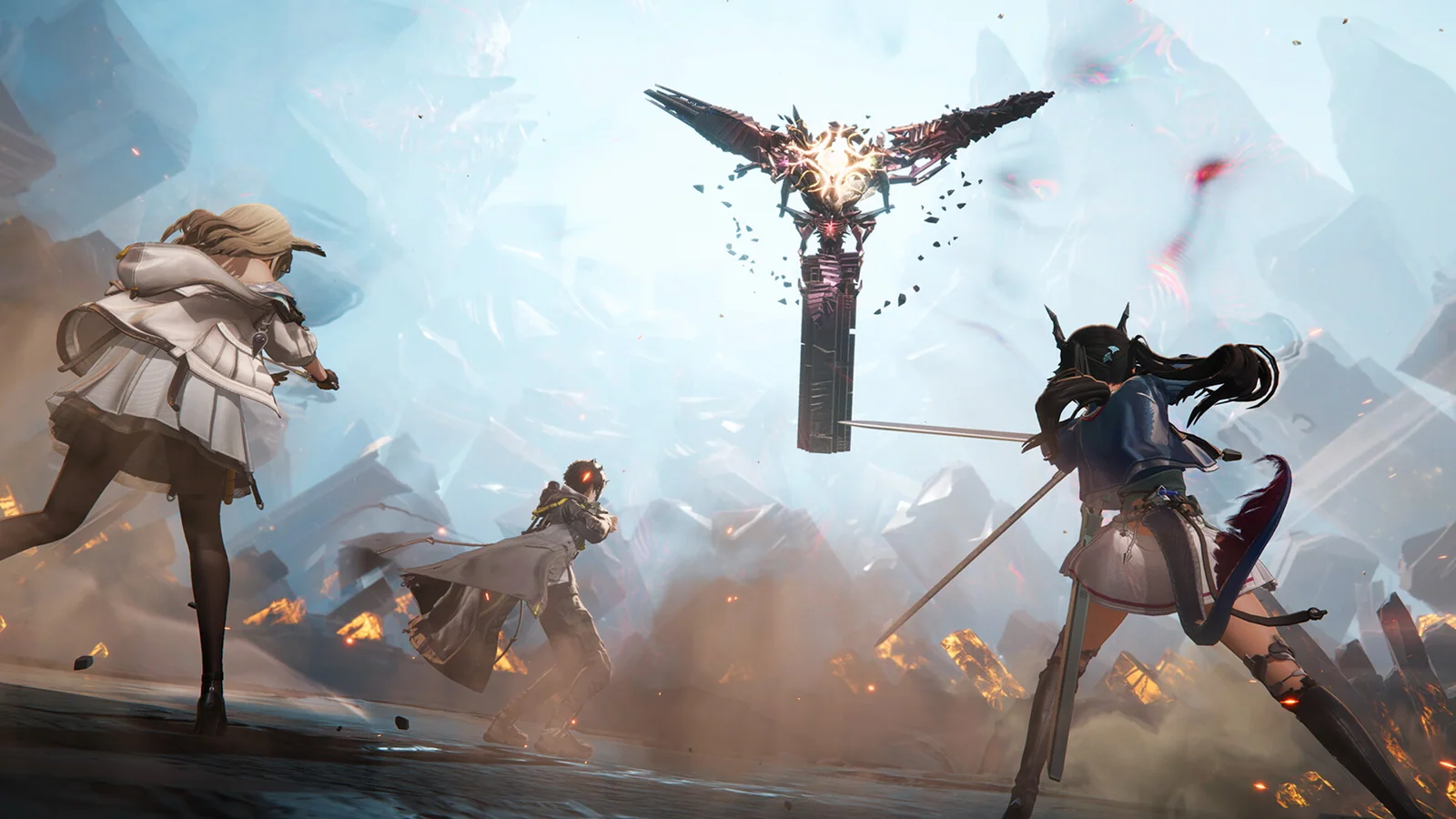
An official video gives you a clearer look at the world, combat and pace.
Update the official PC client, review the current activities and decide what to complete first.