
Quick answer: Choose a dependable campaign starter and add the roles your early dungeon teams actually need.
Some links in this article are tracked. GamerigPro may earn a commission if you take an eligible action through them. This does not change your cost or our editorial judgment.
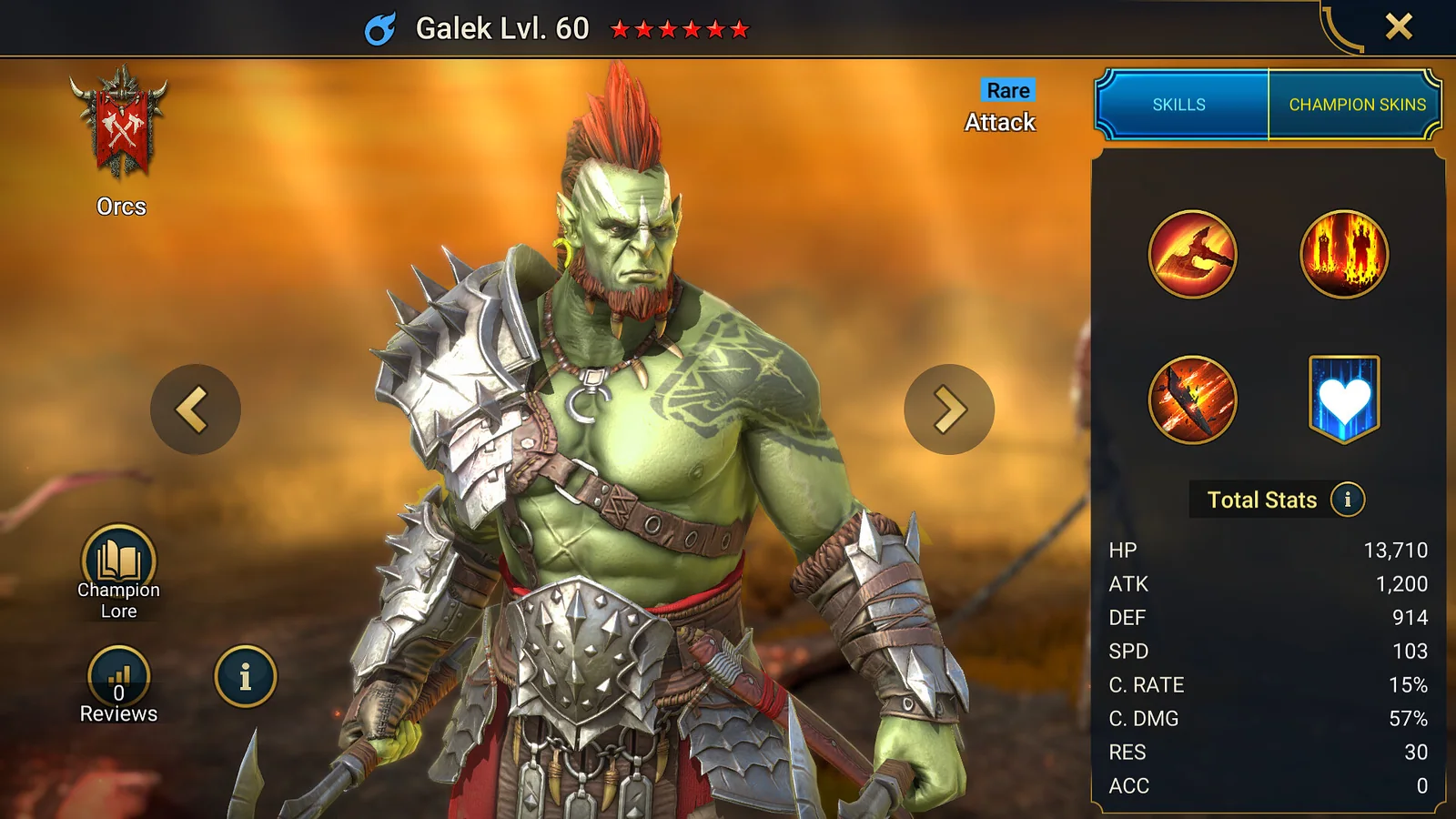
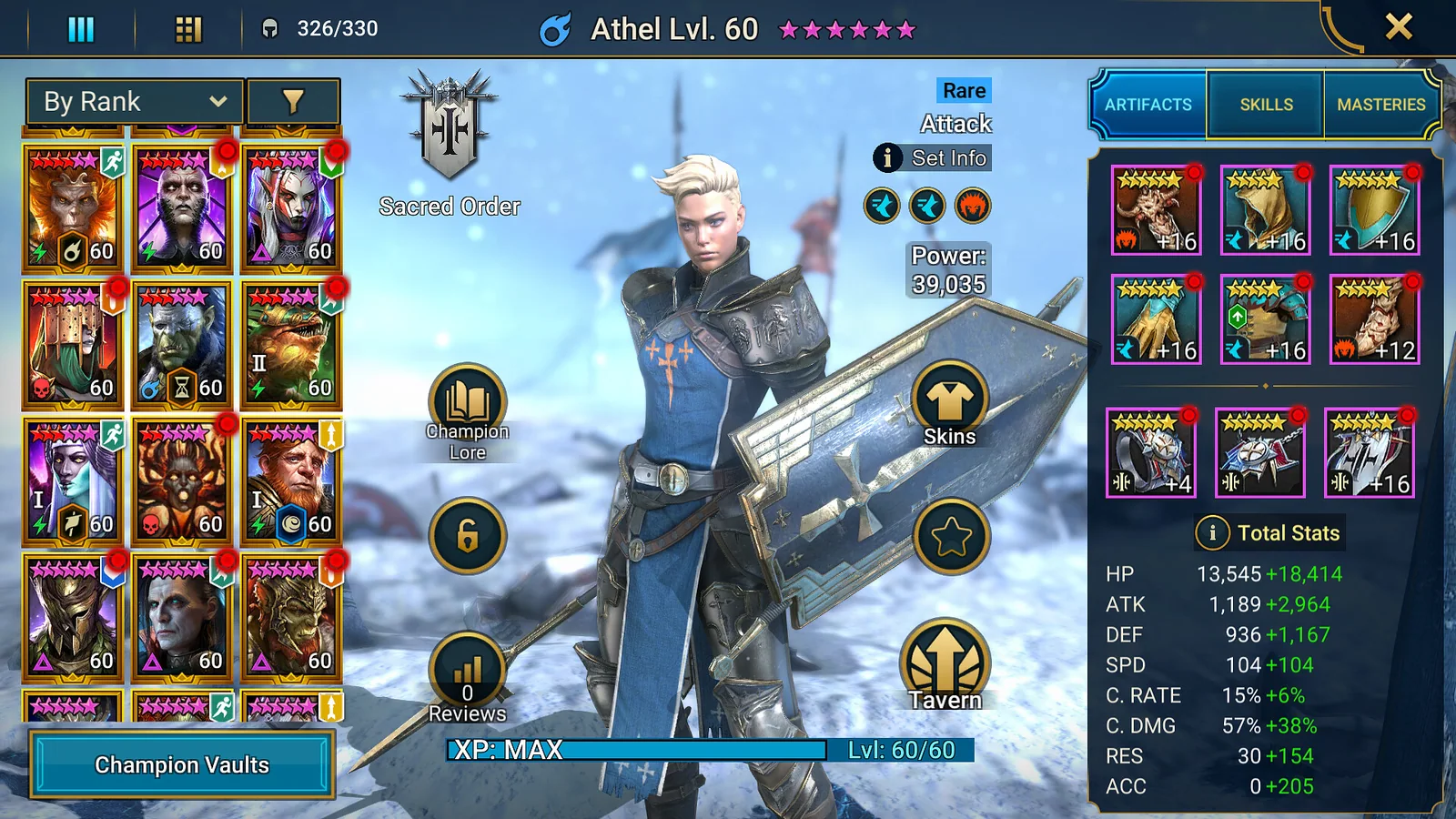
Your first important choice in RAID: Shadow Legends is the Champion you revive after the tutorial. The four starters are Athel, Galek, Kael and Elhain. Each can begin the campaign, so the more useful question is how the choice supports your early plan.
Choose a starter you can keep using
Kael combines area damage with poison effects. Athel brings weakening attacks and area damage. Galek is a fast attacker with a defensive debuff. Elhain focuses on area attacks and critical hits. Pick one, then make that Champion the center of your first campaign team instead of dividing resources across several attackers.
Cover the essential roles
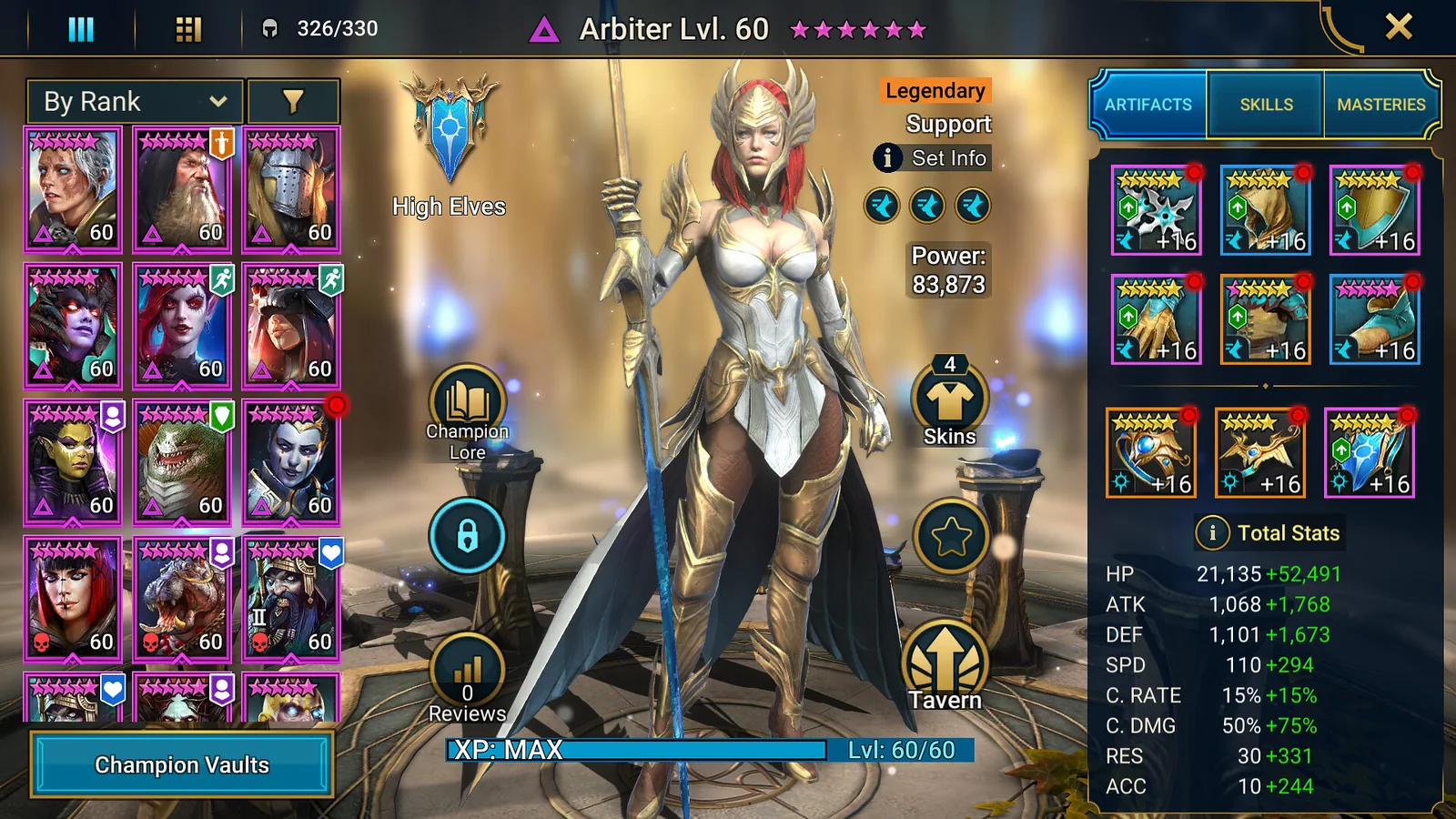
RAID groups Champions into Attack, Defense, HP and Support types. A practical early squad needs damage, protection or durability, and useful support effects. Look for healing, speed control, buffs and debuffs that help the whole group.
Rarity is useful, but it is not the full answer. A lower-rarity Champion with the right skill can solve an early problem better than a rarer Champion who duplicates a role you already have.
Respect Affinity matchups
Magic, Spirit and Force form a counter cycle, while Void has no direct counter. If a stage suddenly becomes unreliable, check whether your main damage dealer is attacking into a weak Affinity matchup. Build enough roster flexibility to change one or two positions rather than replacing the whole team.
For the Windows route discussed here, open the RAID: Shadow Legends PC offer when you are ready to install or return to the game. Check the platform and account options at the destination first.
Start with one dependable campaign farmer and add roles your early team is missing.
Spend resources with a purpose
Prioritize the Champion who moves your campaign forward. Equip artifacts with useful primary stats, level gear in controlled steps and avoid upgrading every item that looks stronger at first glance. Keep duplicate or situational Champions until you understand their use.
Read skills as a complete kit
Do not judge a Champion from the first attack alone. Check cooldowns, upgrade effects, target conditions and whether a buff or debuff needs Accuracy to land reliably. A useful passive can change the value of the whole kit.
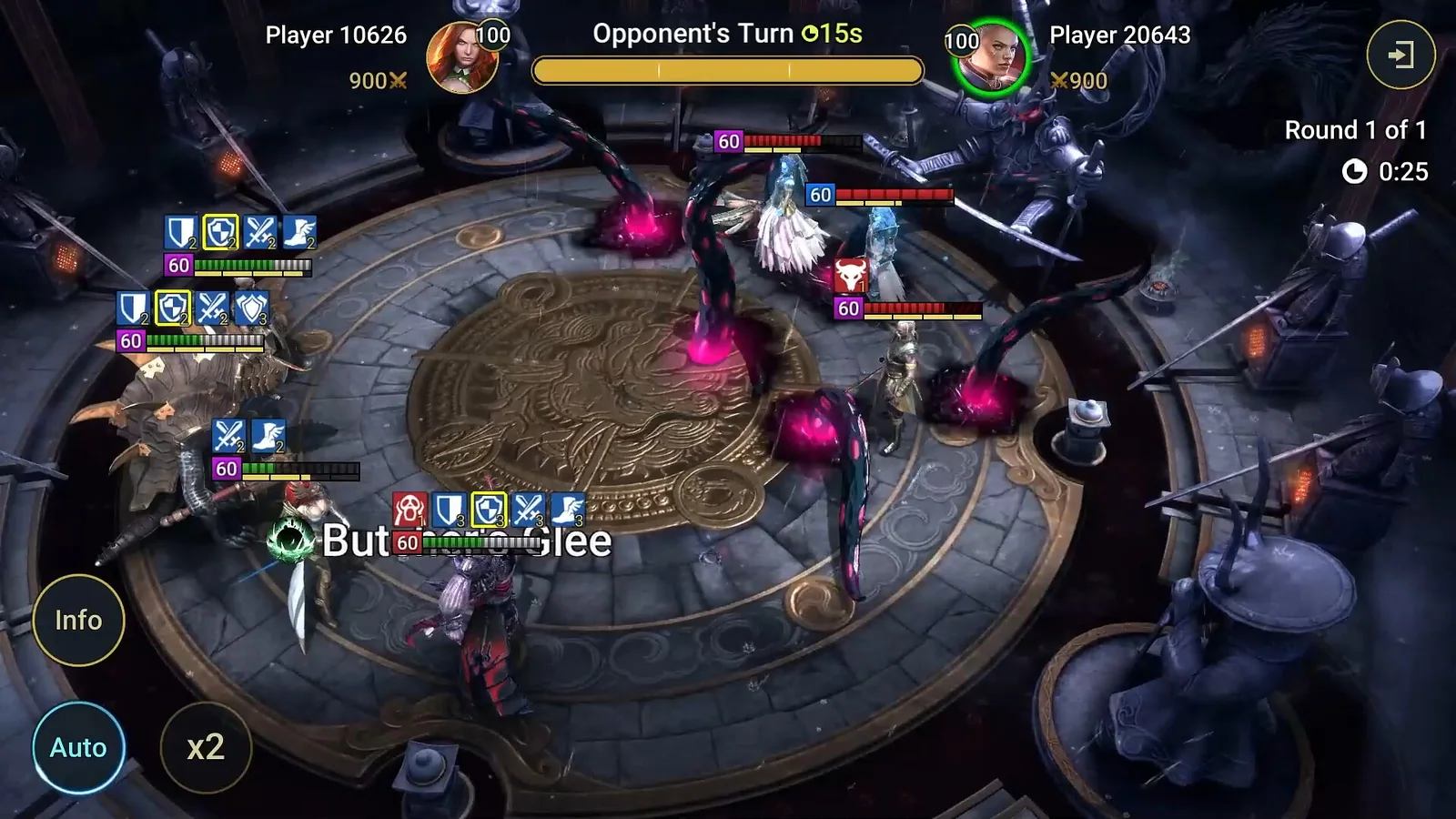
Turn order also matters. A defense reduction should happen before the main area attack. A speed boost should arrive before the rest of the team acts. Manual battles reveal these problems faster than repeating a failed stage on auto.
Build the campaign carry first
Your first major goal is a Champion who can clear campaign stages reliably and help level future teammates. Give that carry the strongest appropriate gear and enough sustain to survive several waves. Upgrade supporting Champions after the main route is stable.
When progress stops, identify the failure. If the team dies early, add speed, healing or protection. If a boss survives too long, improve the correct damage source or debuff. Do not replace the entire squad when one role is missing.
Our RAID PC review explains the long-term roster and resource loop before you invest more time.
Avoid the common early mistakes
Do not spend valuable skill books without checking their rarity. Do not sacrifice a Champion before understanding whether a later mode needs that role. Avoid upgrading weak artifacts only because their set name looks useful. Main stats and the job they support matter first.
Set three account goals
Choose one campaign target, one dungeon target and one longer boss goal. Let those three objectives decide where energy and upgrade materials go. When an event supports the same work, complete it for extra value. Ignore side projects that pull the roster in a different direction.
Review the account once a week. Keep the Champions and gear that solve a known role, mark future projects and stop investing in pieces that no longer improve a target. A small written plan prevents the large roster from becoming noise.
Lock valuable Champions you intend to keep and review new pulls before using them as material. One careful minute can protect a specialist that becomes important in a later dungeon or faction team.
First-week checklist
- Commit early levels to one campaign carry.
- Add sustain and useful buffs or debuffs around that carry.
- Check Affinity before repeating a failed stage.
- Read Champion skills before using them as upgrade material.
- Complete progression tasks that align with upgrades you already need.
RAID contains hundreds of Champions, which makes early focus more valuable than early collection. Build one team that performs a clear job, then expand when a dungeon or matchup gives you a reason.
Official reference: RAID Champions guide.
See it in motion
An official video gives you a clearer look at the world, combat and pace.
Start with one dependable campaign farmer and add roles your early team is missing.