
Quick answer: Build a useful home ship, organize one fleet and understand how trading, Champions and guild territory support each other.
Foundation: Galactic Frontier mixes a story-driven space journey with ship management, trading, fleet combat and persistent guild strategy. The opening becomes much easier when you treat those systems as one economy. Your home ship supports the fleet, the fleet protects progress and the trade network pays for the next upgrade.
Choose the correct Windows route
The official Foundation site says the Windows version is live. The Steam store page currently lists its Steam release as coming soon. That difference matters. If you want to play now, verify that you are using the official Windows route rather than assuming the Steam client is already available.
Confirm the account provider and region before investing time. The Steam listing says a third-party Google, Facebook or Discord account is required, so keep the same sign-in method when moving between supported versions.
Give the home ship a practical purpose
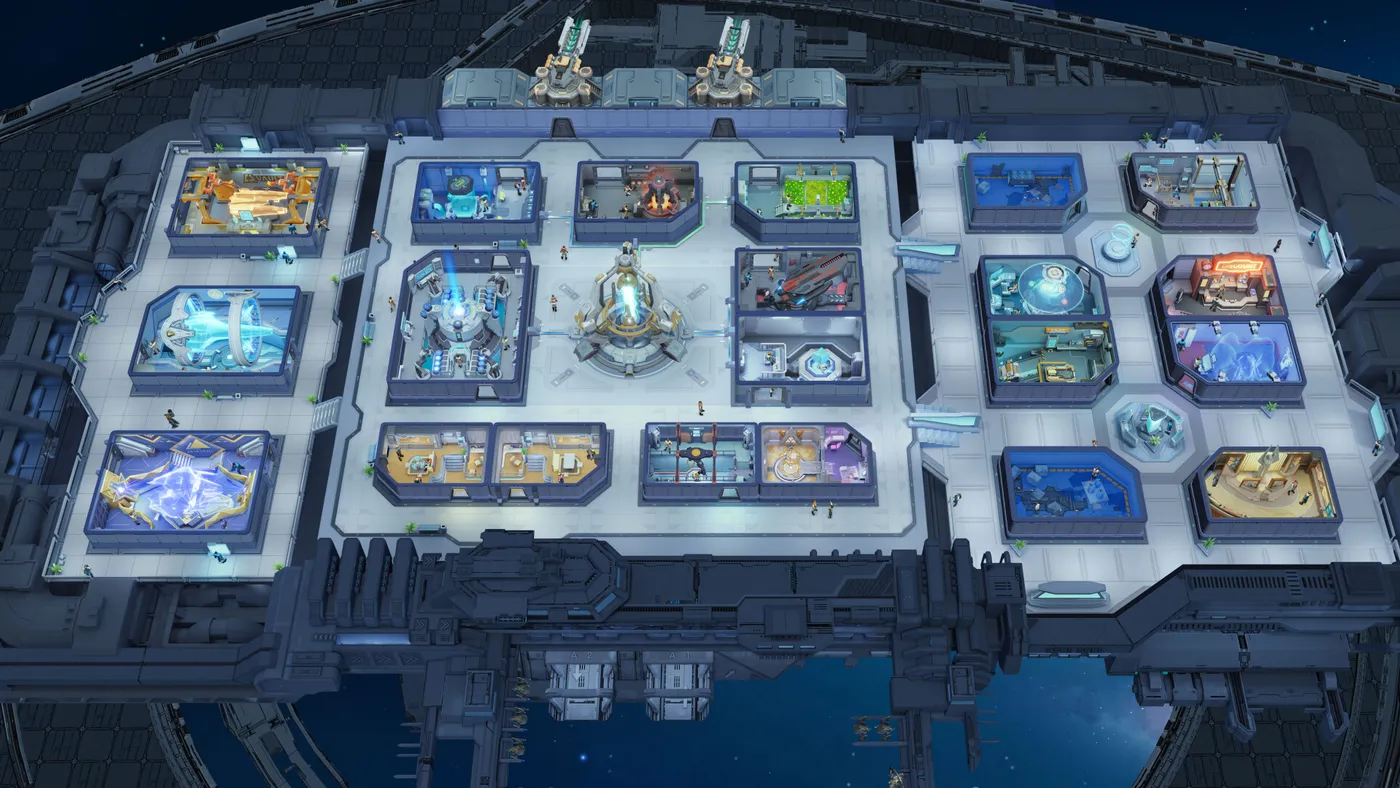
Your ship is more than a visual base. Cabins and support spaces contribute to the long-term loop, so build around the next real need. Prioritize the facilities that keep progression moving before spending resources on an attractive layout with no immediate benefit.
Review the ship after a major unlock. Ask which room, resource or crew function is slowing the current fleet. Fix that bottleneck and let the new setup run before expanding again.
Build one reliable fleet first
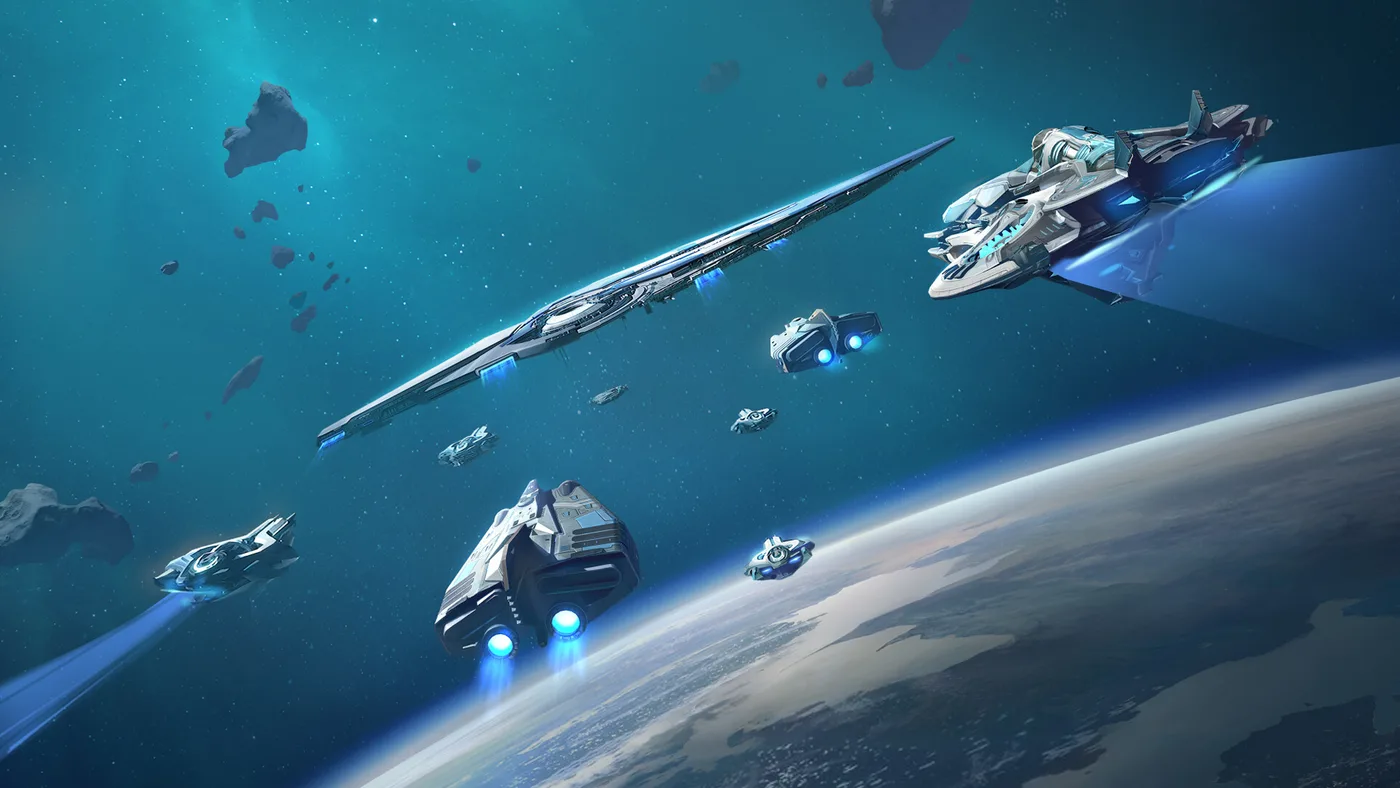
The official fleet guide divides ships into Beam, Kinetic and Ionic energy types. Beam has an advantage over Kinetic, Kinetic over Ionic and Ionic over Beam. Matching the right type grants a small combat advantage, but a coherent, upgraded fleet remains more useful than several unfinished counters.
Choose one core fleet and keep its ships, Champions and flagship components at a similar level. Use early encounters to learn where the formation loses damage or survivability. Add a counter option after the main fleet can already complete routine content.
Match Champions to the ships they lead
Champion synergy rewards formations whose characters share the fleet's energy type. The official guide lists bonuses for matching two or three Champions. Use that rule as a starting point, then check whether the skills still cover damage, protection and utility.
Formation order also matters because skills activate from left to right. Place an effect that prepares the target before the damage it is meant to improve. Test the order in a repeatable encounter and change one position at a time.
Use trading to fund the next decision
Trading works best when it has a destination. Decide whether the next goal is a ship upgrade, a home-ship improvement or preparation for a tougher route. This prevents resources from disappearing across several projects that remain incomplete.
Keep a small reserve before a large upgrade. A fleet that consumes every available resource can struggle to recover when a new requirement, event or guild objective appears.
Understand what a Home Port changes
The official Home Port guide describes the port as a place to settle, recall fleets and refresh commissions. Raising its level expands benefits such as trade capacity, building speed and daily reward quality. It is therefore part of the economy, not just a return point on the map.
Choose a Home Port that supports the routes and guild territory you actually use. Moving deeper into contested space without a reliable return point can add travel and recovery costs that the account is not ready to absorb.
Join a guild for the strategic layer
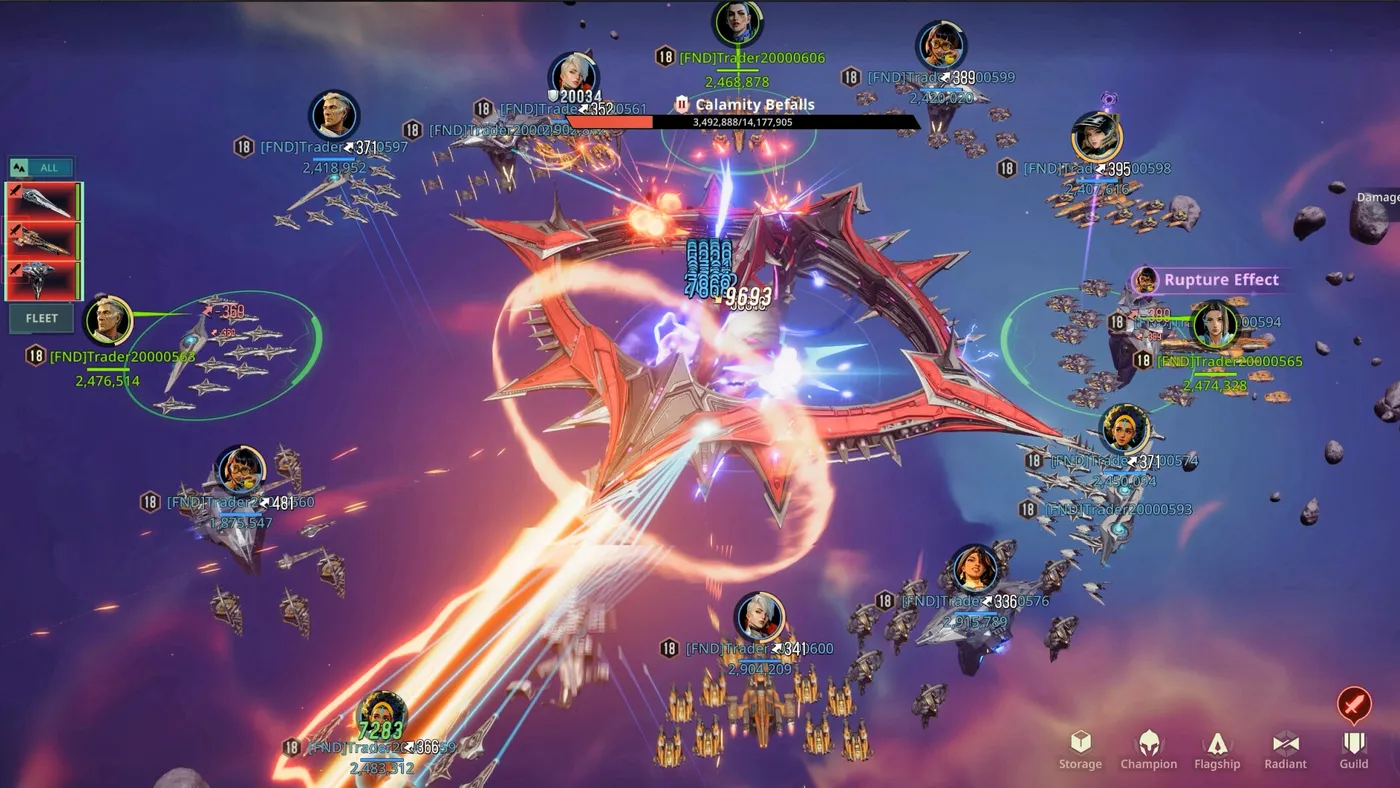
Higher-level territory and many port systems depend on guild control. A coordinated guild can provide access to occupied ports, shared buffs and larger objectives. Look for activity at the times you normally play and clear communication about priorities.
Do not spend every fleet on a distant conflict just because it is active. Protect routine progression and learn how declarations, garrisons and occupation windows work before committing the account to a long campaign.
Keep the PC session readable
The game combines home-ship management, galaxy navigation and large fleet encounters. On a smaller display, interface scale and clean input habits matter. Close unnecessary overlays, use a stable resolution and test busy fleet battles before raising visual quality.
If large engagements become uneven, use our frame-time and stutter troubleshooting guide to separate a GPU limit from background activity or asset streaming.
First-session checklist
- Confirm that you are using the official Windows client available now.
- Keep one account provider across supported versions.
- Build home-ship rooms that solve the next progression need.
- Upgrade one coherent fleet before widening the roster.
- Match ship energy types and Champion roles deliberately.
- Settle at a Home Port that supports current trade routes.
- Join a guild whose activity matches your schedule.
The fastest way to lose direction is to treat every system as a separate task. Keep one connected plan: improve the ship, fund the fleet, secure the route and use the rewards to remove the next bottleneck.
If you want to compare that long-term strategy loop with other genres, browse our best free PC games worth playing in 2026. It includes alternatives for open-world exploration, faster action and tactical raids.
Official references: the Foundation: Galactic Frontier website, the official Windows page, the official fleet guide, the official Home Port guide and Foundation: Galactic Frontier on Steam.
See the Trader Era take shape
This official trailer combines marked cinematic scenes with gameplay from Foundation: Galactic Frontier.