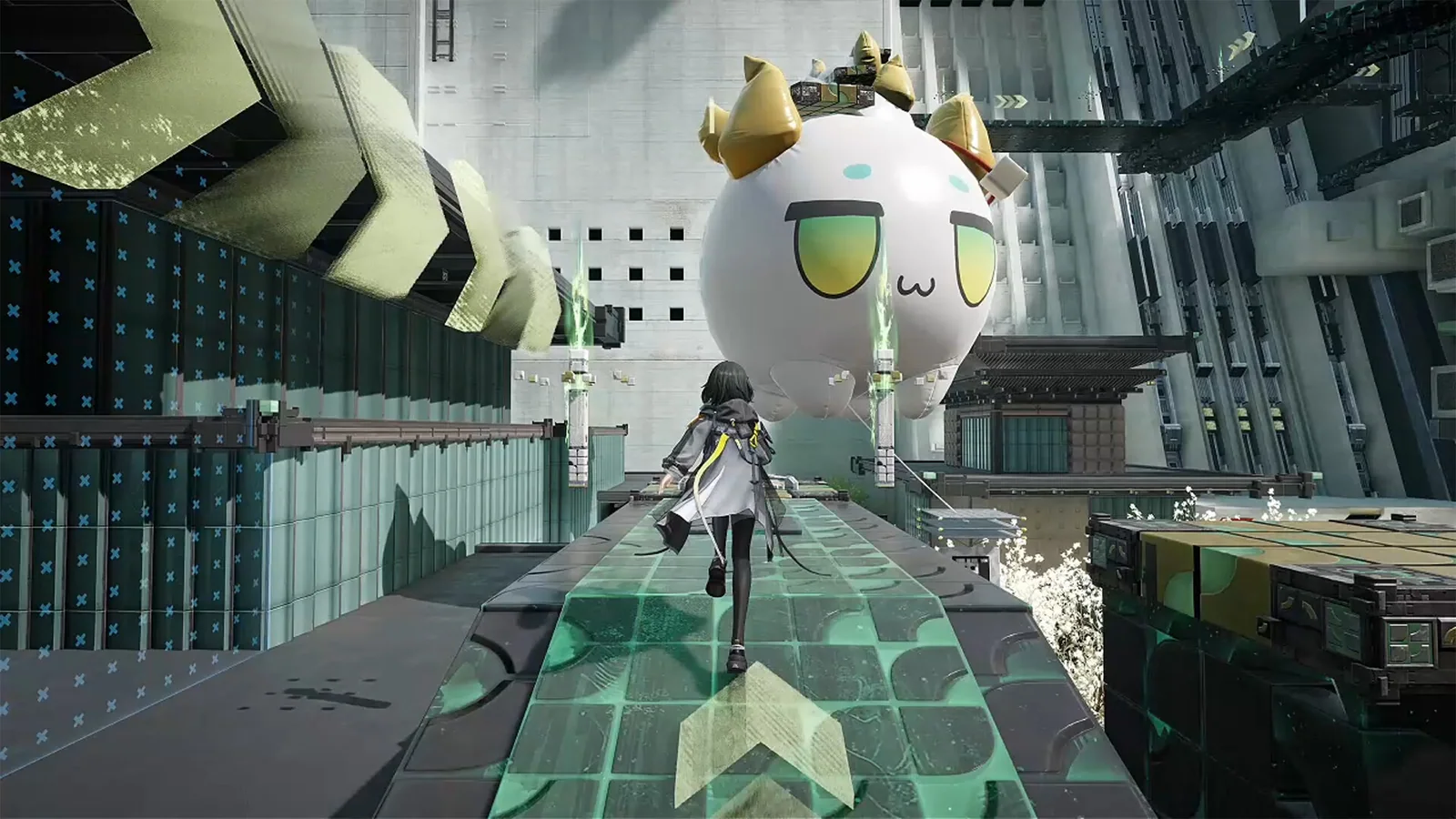

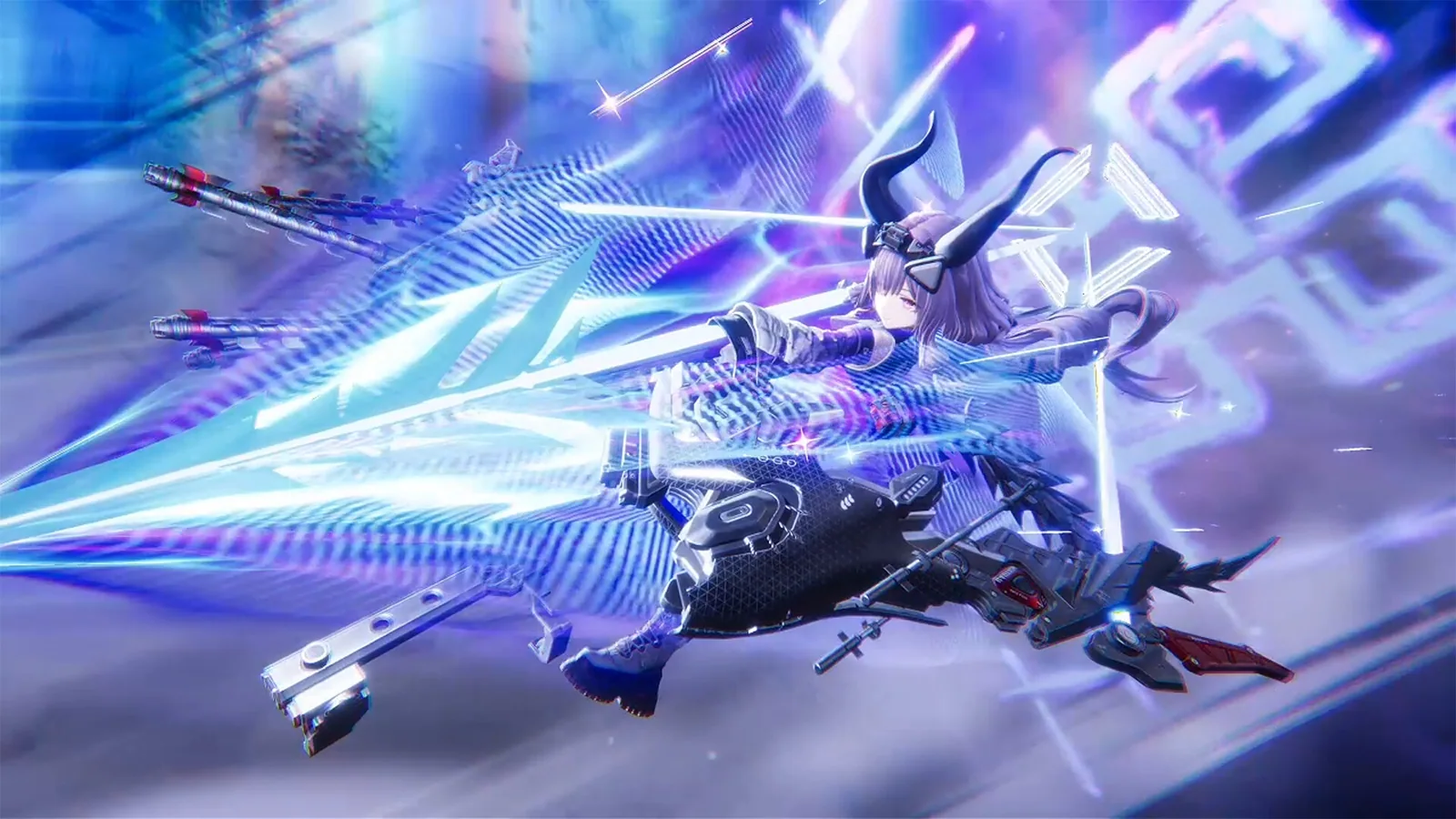
Quick answer: Understand how exploration, Operator combos and automated production support the same progression loop.
Some links in this article are tracked. GamerigPro may earn a commission if you take an eligible action through them. This does not change your cost or our editorial judgment.
Arknights: Endfield connects two different kinds of planning. You explore and fight with a squad of Operators, then use AIC Factory systems to produce what future exploration requires. Treating those systems as one loop makes the opening easier to read.
Learn what every Operator contributes
The game lets you move your team and chain skills during real-time combat. Start by identifying who opens a combo, who extends it and who benefits most from the final window. A balanced squad gives you a reliable answer to normal enemies, tougher targets and recovery.
Avoid firing every skill as soon as it appears. Save the next link in your sequence until the target is positioned and the rest of the squad can follow.
Explore with a production goal
When you enter a new area, mark resources, routes and threats that affect the factory plan. Exploration becomes more efficient when every trip answers a question: which material is missing, which path needs securing or which upgrade unlocks the next useful production step?
Build readable production lines
The AIC Factory can automate production. Begin with a simple line whose input and output you understand. Leave enough space to inspect bottlenecks and expand. A compact factory that works continuously is more useful than a large layout with missing inputs.
If production stops, trace the chain from the final output backward. Check supply, transport and capacity before rebuilding everything.

For the Windows route discussed here, open the Arknights: Endfield PC offer when you are ready to install or return to the game. Check the platform and account options at the destination first.
Build a readable squad and let the factory support the upgrades you need next.
Let the factory support combat
Prioritize production that solves a current progression need. Stockpiling unrelated items can consume space and attention while your active squad still lacks a practical upgrade. Revisit production after unlocking a new region or Operator requirement.
Use combat roles to simplify decisions
Give the squad an opener, a source of control or break pressure, a main damage window and enough protection to recover from mistakes. The exact Operators can change, but those jobs make it easier to understand why a sequence succeeds.
Against a tougher target, spend the first attempt reading attacks and testing the order of skills. Save the full chain for a safe opening instead of forcing it while the squad is repositioning. A repeatable sequence is more valuable than a complicated combo that works only once.
Plan factory growth around bottlenecks
When a line stops, identify the first missing input. Increasing the final machine does nothing when an earlier material arrives too slowly. Fix one bottleneck, watch the line for a full cycle and expand only after the output becomes predictable.
Leave visible routes and enough space for future connections. Clean organization reduces the time spent tracing a problem later. Our Endfield PC review explains why this production layer is central to the game's identity.

Prepare before entering a new zone
Check healing, upgrade materials and the current production queue before a longer trip. Empty unnecessary inventory space and choose a squad that can answer normal enemies without using every resource. Mark anything that blocks progress so the next factory goal has a purpose.
Review the loop after every major unlock
A new recipe, Operator or region can change what the factory should produce. Check whether the current line still supports the active squad before building another section. Retire work that no longer serves a real upgrade and preserve layouts that remain dependable.
End a session with one clear objective for the next return. It might be securing a resource route, improving a combat chain or removing a factory bottleneck. This keeps the connected systems readable while the game expands.
First-session checklist
- Assign each Operator a clear combat role.
- Practice one repeatable skill chain.
- Mark useful resources while exploring Talos-II.
- Build one production line and confirm every step works.
- Expand only after identifying the current bottleneck.
- Prepare the materials your active squad needs next.
The game's official description highlights exploration, automated production and chained squad skills. The best beginner plan connects all three instead of treating the factory as a separate side activity.
Keep that loop visible: explore for a reason, produce the missing material, upgrade the active squad and return to the route that stopped you. Every step should prepare the next one.
Official reference: Arknights: Endfield on Steam.
See it in motion
An official video gives you a clearer look at the world, combat and pace.
Build a readable squad and let the factory support the upgrades you need next.