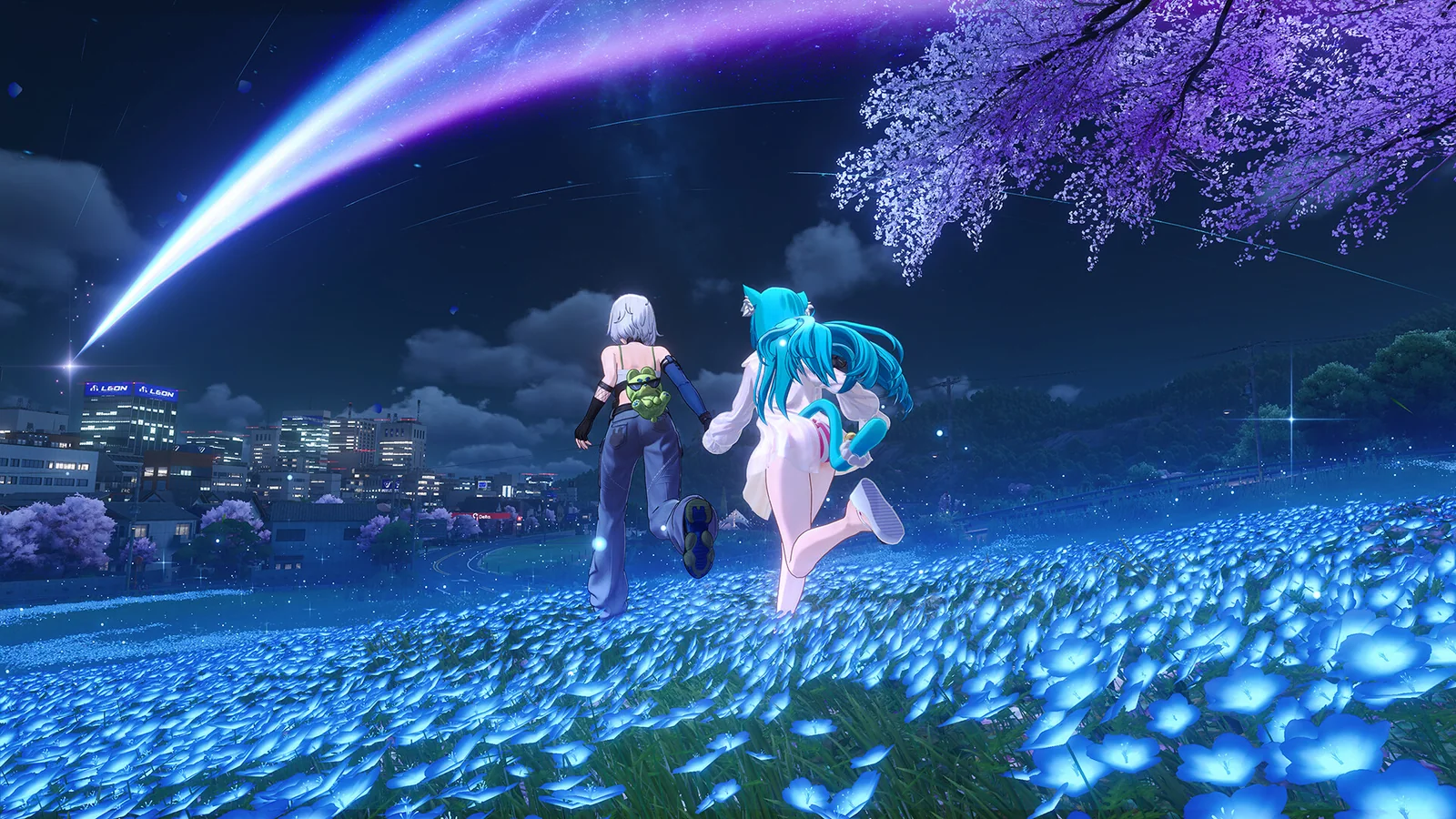


Quick answer: NTE mixes a supernatural city, fast team combat and open-world freedom. Here is who should play it and how to start on Windows.
Use the standalone Windows client and start exploring NTE's supernatural city.
Neverness to Everness is easy to notice because it does not look like another fantasy RPG. Its action takes place in Hethereau, a modern city shaped by supernatural anomalies, busy streets and a cast built for fast team combat. The bigger question is whether that style gives PC players enough reason to start. For players who want exploration, character collecting and city life in the same game, the answer is yes.
Hethereau gives NTE its identity
The city is the strongest reason to try NTE. You move through dense districts, drive between activities and investigate anomalies that can turn an ordinary street into something strange. Neon signs, traffic, shops and modern interiors give the world a personality that stands apart from the castles and ruined kingdoms used by many action RPGs.
Hethereau also supports a different pace. You can follow the story, explore a new district or spend time on smaller city activities. That variety helps the world feel like a place you can return to instead of a map built only around combat markers.
It offers more than open-world combat
NTE combines supernatural cases with vehicles, properties, businesses and social activities. These systems matter because they give exploration a purpose outside the next fight. A short session can be about discovering part of the city, while a longer one can focus on story progress and character growth.
This mix will appeal most to players who enjoy anime-style characters but want a contemporary setting. The game is less convincing for anyone looking for a grounded crime simulator. Its city is stylish and playful, with paranormal rules at the centre of the experience.
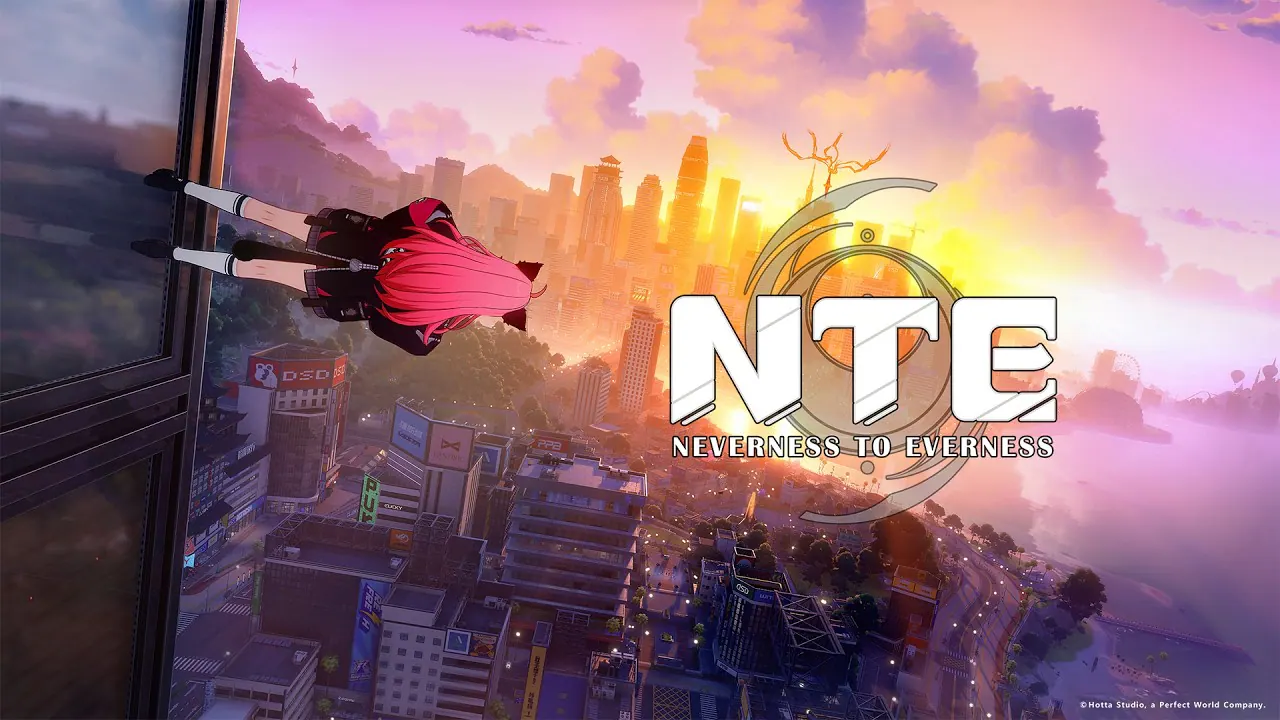
See it in motion
An official video gives you a clearer look at the world, combat and pace.
Team combat stays fast and flexible
Combat is built around a team. Characters bring different attacks and roles, and switching between them keeps encounters moving. The useful early approach is simple: build around one dependable damage dealer, then add support that makes the team easier to control and sustain.
Avoid spreading upgrade materials across every new character. Learn one team, understand how its abilities connect and invest more widely once you know which playstyle feels right.
The standalone Windows client is easy to start
PC players can use the standalone client without adding the game to a Steam library. Open the Neverness to Everness PC download page, install the Windows launcher and let it manage the game files and future updates.
Use the same sign-in method each time because separate login methods can create separate accounts. Choose the closest server before building your main character too. Progress does not move between the Asia, America, Europe and SEA servers.
Check these PC requirements first
The official Windows and Steam requirements list Windows 10 64-bit, an Intel Core i7-10700, 16 GB of RAM and a GeForce GTX 1660 or Radeon RX 5600 as the baseline. The recommended target lists a Core i7-12700, 32 GB of RAM and a GeForce RTX 3060 or Radeon RX 6700.
- Keep at least 60 GB free for the installed game.
- Allow another 60 GB temporarily while the launcher extracts files.
- Use an SSD for smoother loading.
- Choose an install path that uses English characters only.
Is Neverness to Everness worth playing?
Yes, if the idea of a supernatural urban RPG sounds more interesting than another traditional fantasy world. NTE is a strong match if you:
- Want a stylish modern city instead of a medieval map.
- Enjoy quick team combat and switching between characters.
- Like vehicles and side activities between story missions.
- Want to play through a standalone Windows client.
It may be less suitable if you want a realistic open world or prefer to control one fixed hero. Everyone else can start with the standalone Windows client, complete the opening chapter and give Hethereau enough time to reveal how its main systems fit together.
Make the first two hours useful
Follow the opening story until the main city systems become clear, then test one combat team, one driving route and one side activity. Do not judge performance from a quiet interior. Our NTE PC settings guide explains how to test the same busy route and tune the costly options first.
Keep early upgrades focused on the characters used in that test team. Explore enough to understand the city's rhythm before trying to clear every marker. NTE makes its strongest impression when combat, driving and supernatural investigations begin to feel like parts of the same place.
Official sources: NTE launch FAQ and NTE Steam, Epic and Samsung Galaxy Store FAQ.

Use the standalone Windows client and start exploring NTE's supernatural city.